> ## Documentation Index
> Fetch the complete documentation index at: https://www.anything.com/docs/llms.txt
> Use this file to discover all available pages before exploring further.
# Ko-fi Webhook
> Set up webhooks to receive notifications from Ko-fi
Ko-fi webhooks allow you to receive real-time notifications about events such as new donations, memberships, and more, enabling you to integrate these events into your applications.
## Overview
Sign up for a Ko-fi account
Navigate to your webhook settings in Ko-fi
Add your webhook URL to receive notifications
## Account Creation
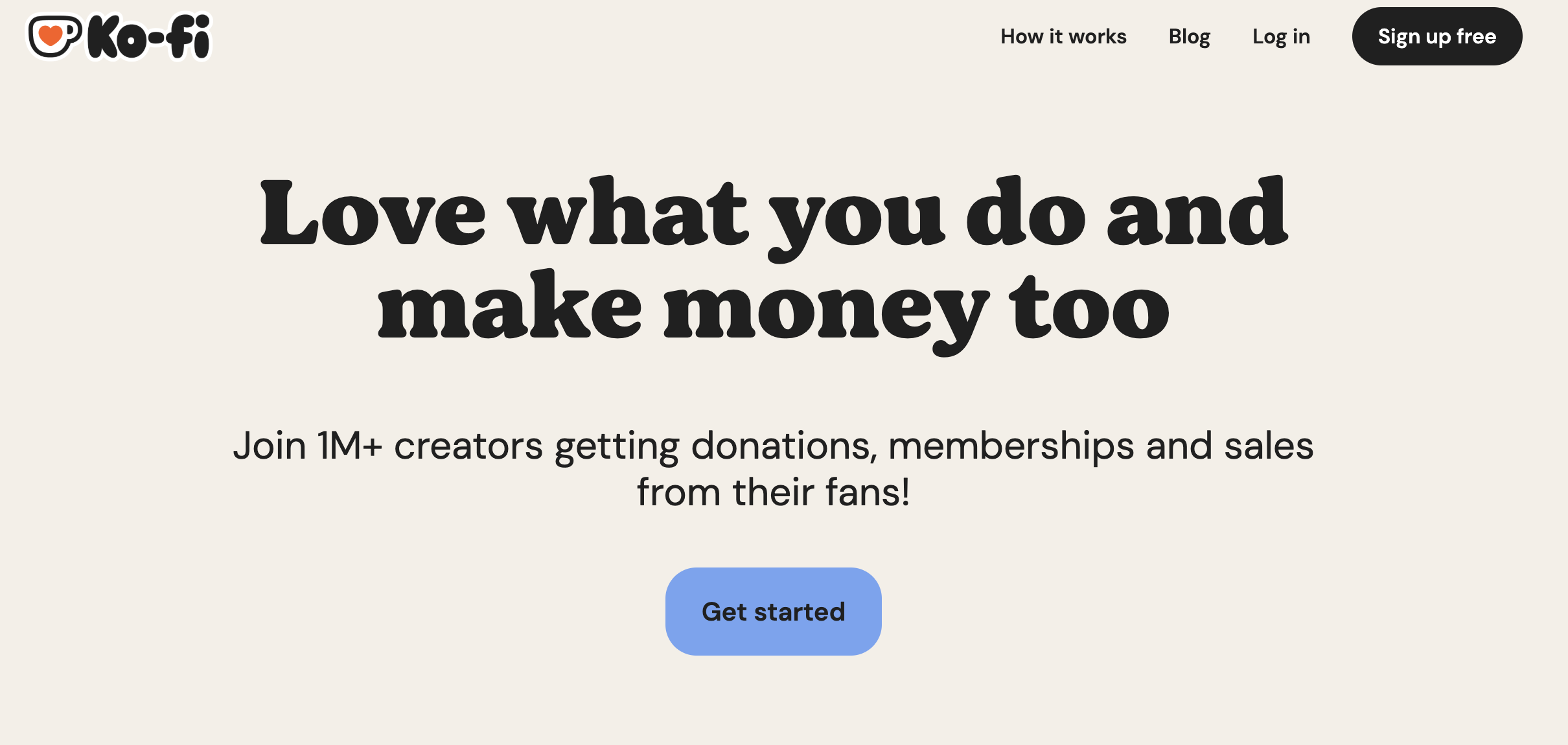
Go to [ko-fi.com/](https://ko-fi.com/) and click "Sign Up" in the top right corner
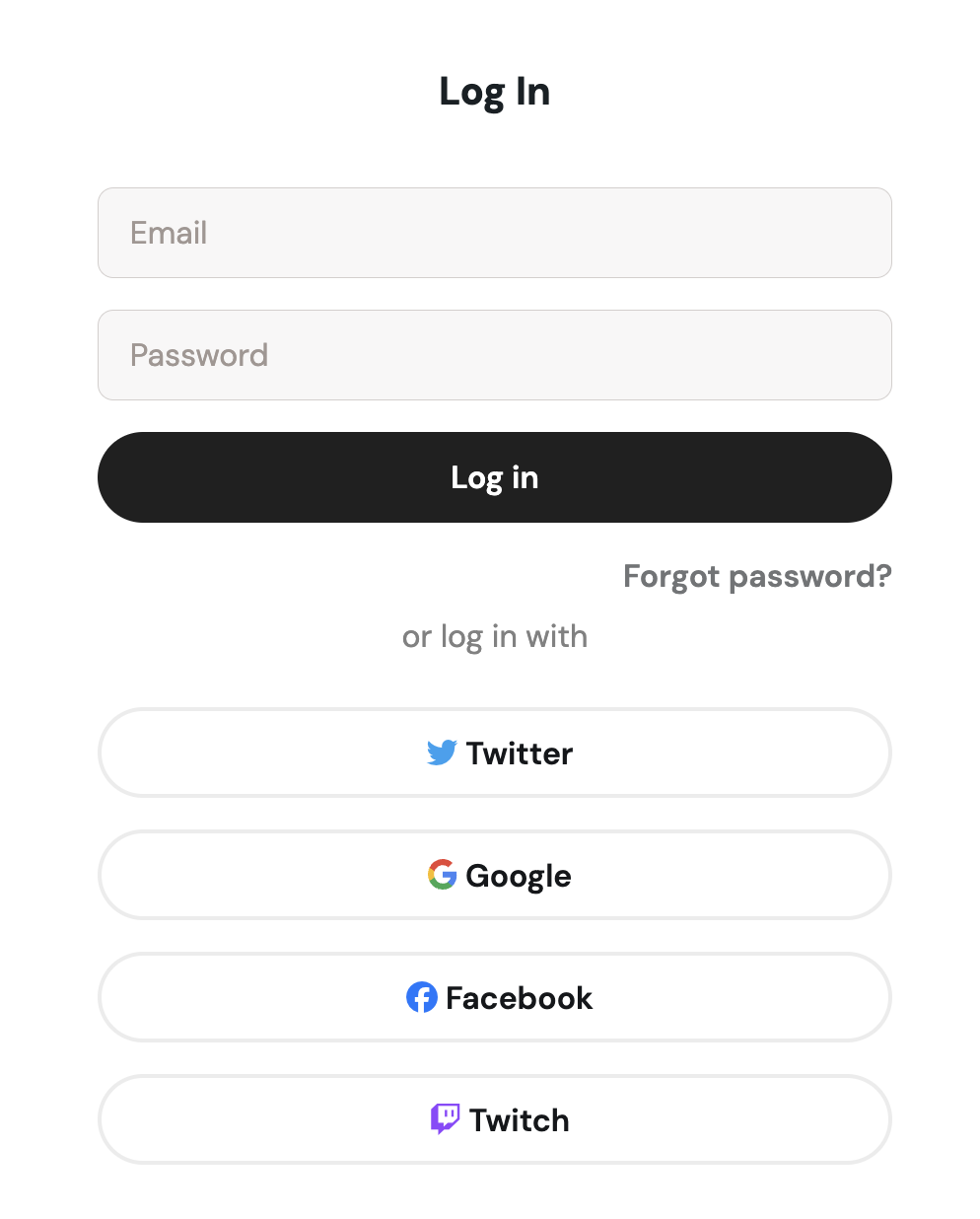
 * Sign up with email/password
* Or continue with social media authentication
* Sign up with email/password
* Or continue with social media authentication
 ## Access Webhook Settings
Go to [ko-fi.com/manage/webhooks](https://ko-fi.com/manage/webhooks)
## Create New Webhook
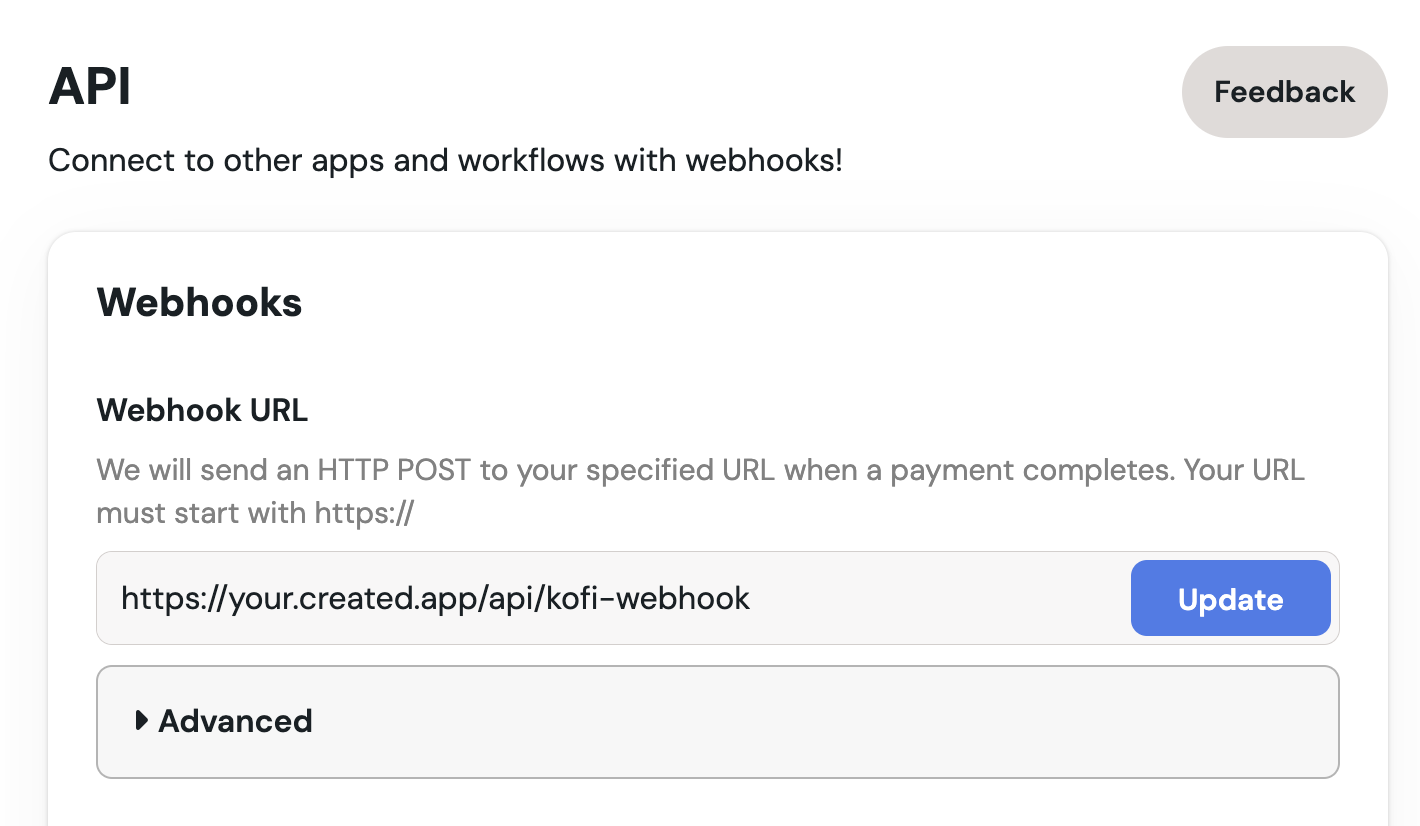
1. Enter your webhook URL where you want to receive notifications
2. Select the events you want to subscribe to (e.g., new donations, memberships)
## Access Webhook Settings
Go to [ko-fi.com/manage/webhooks](https://ko-fi.com/manage/webhooks)
## Create New Webhook
1. Enter your webhook URL where you want to receive notifications
2. Select the events you want to subscribe to (e.g., new donations, memberships)
 1. Click "Save" to create your webhook
Ensure your server is set up to handle incoming webhook requests.
## Test Your Webhook
1. Scroll down to find different "Send Test" buttons in the webhook settings to verify your setup
1. Click "Save" to create your webhook
Ensure your server is set up to handle incoming webhook requests.
## Test Your Webhook
1. Scroll down to find different "Send Test" buttons in the webhook settings to verify your setup
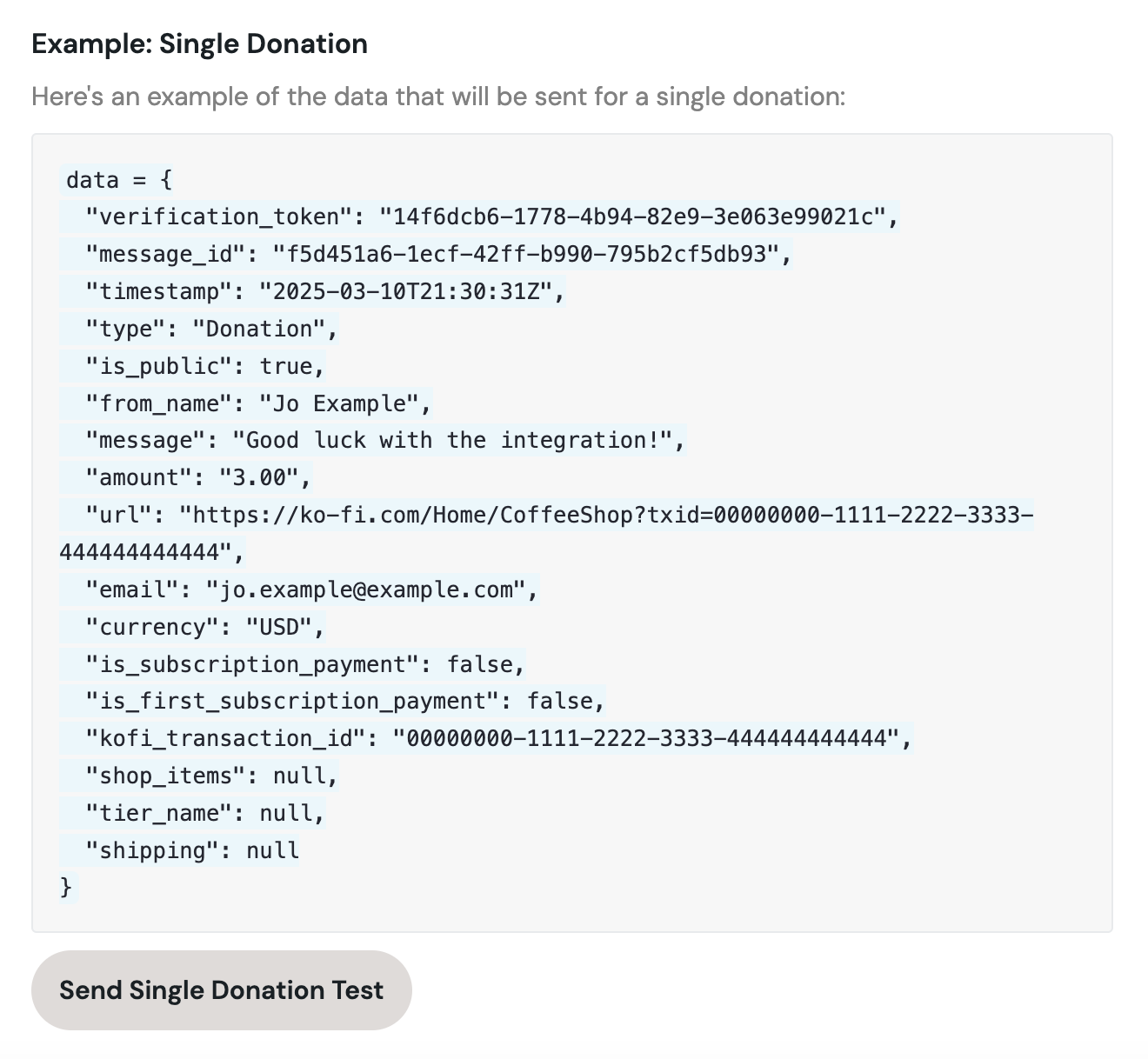 2. Check your server logs to confirm receipt of the test notification
Make sure your Anything app is published to view test notifications from Ko-fi.
Your Ko-fi webhook is set up! You will now receive notifications for the selected events.
2. Check your server logs to confirm receipt of the test notification
Make sure your Anything app is published to view test notifications from Ko-fi.
Your Ko-fi webhook is set up! You will now receive notifications for the selected events.