> ## Documentation Index
> Fetch the complete documentation index at: https://www.anything.com/docs/llms.txt
> Use this file to discover all available pages before exploring further.
# TMDB - The Movie Database
> Access comprehensive movie and TV show data
MovieDB provides detailed information about movies, TV shows, cast, and crew through its extensive entertainment database.
## Overview
Sign up for a MovieDB account
Generate your MovieDB API key
Add your API key to Anything's secrets
## Account Creation
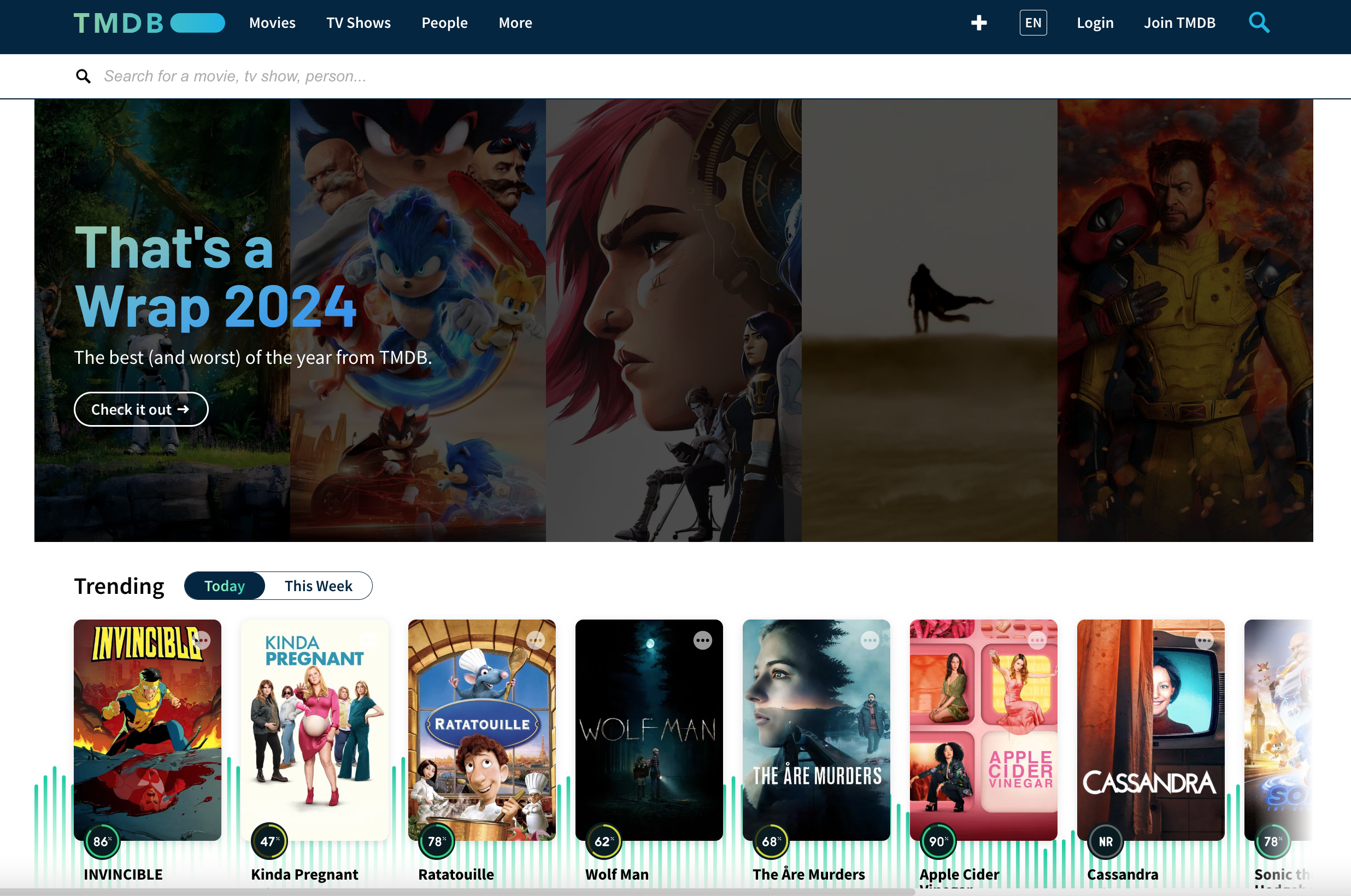
Go to [themoviedb.org](https://www.themoviedb.org/) and click "Join TMDb"
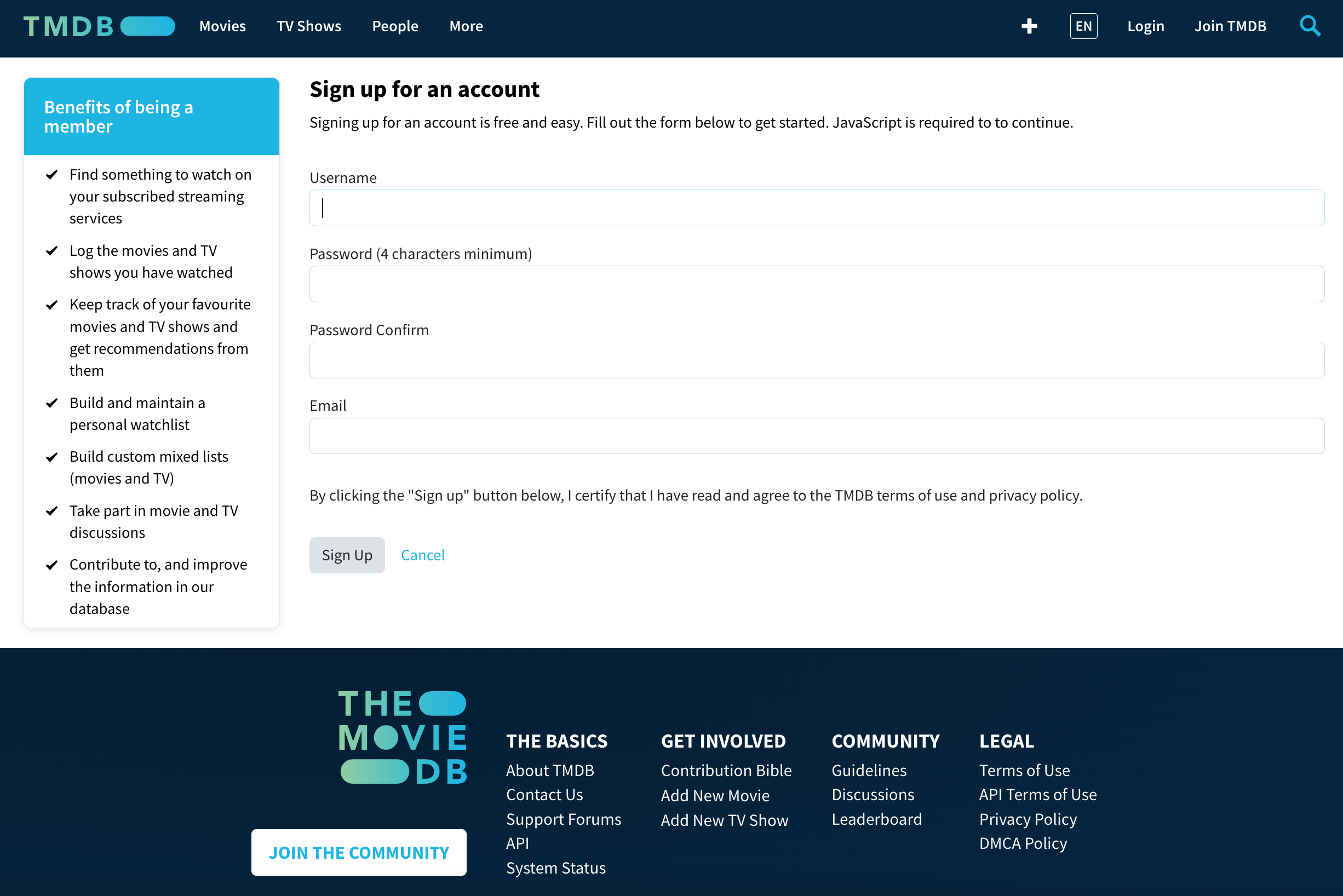
 * Choose username and password
* Verify your email address
* Choose username and password
* Verify your email address
 ## Generate API Key
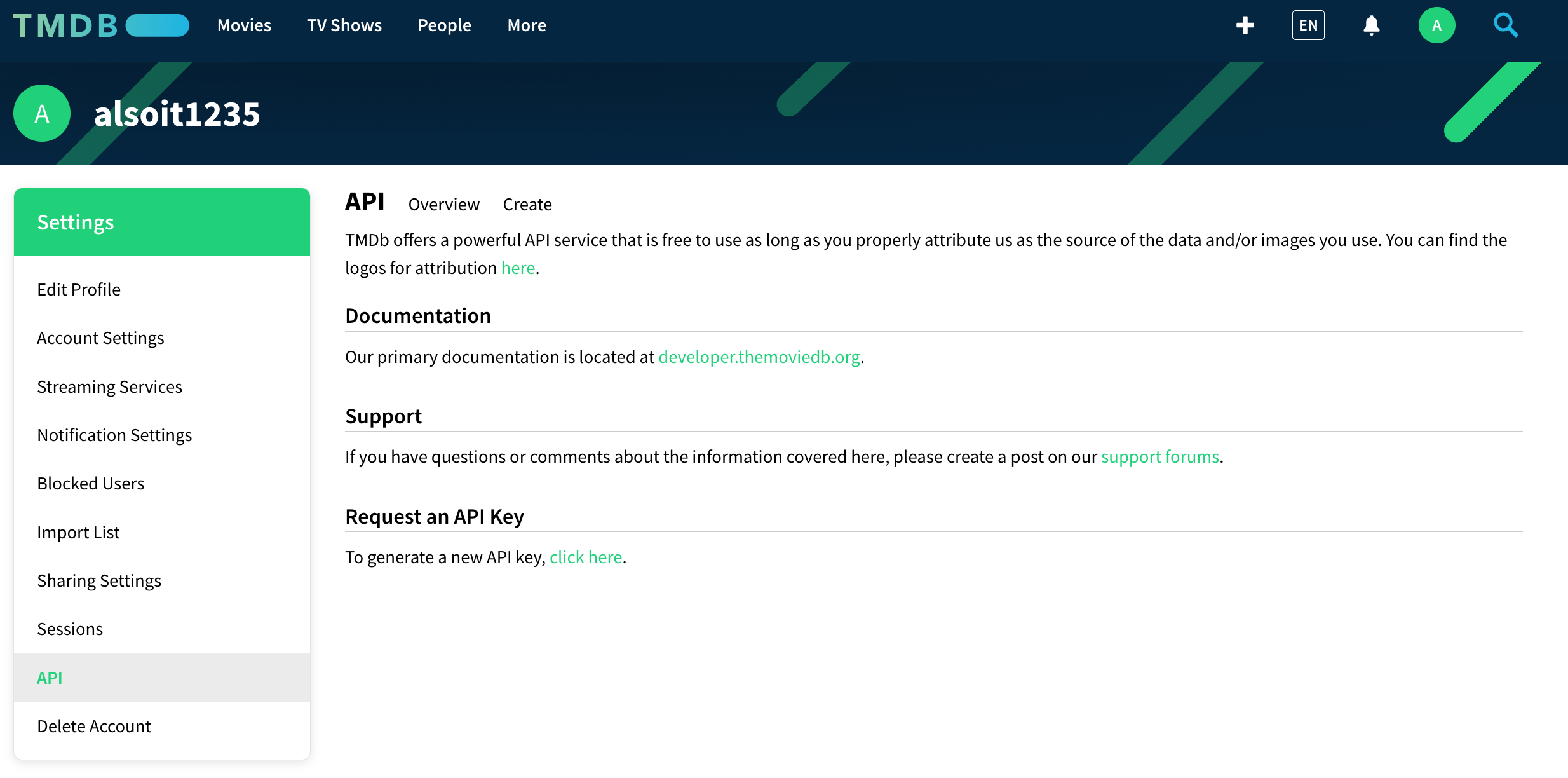
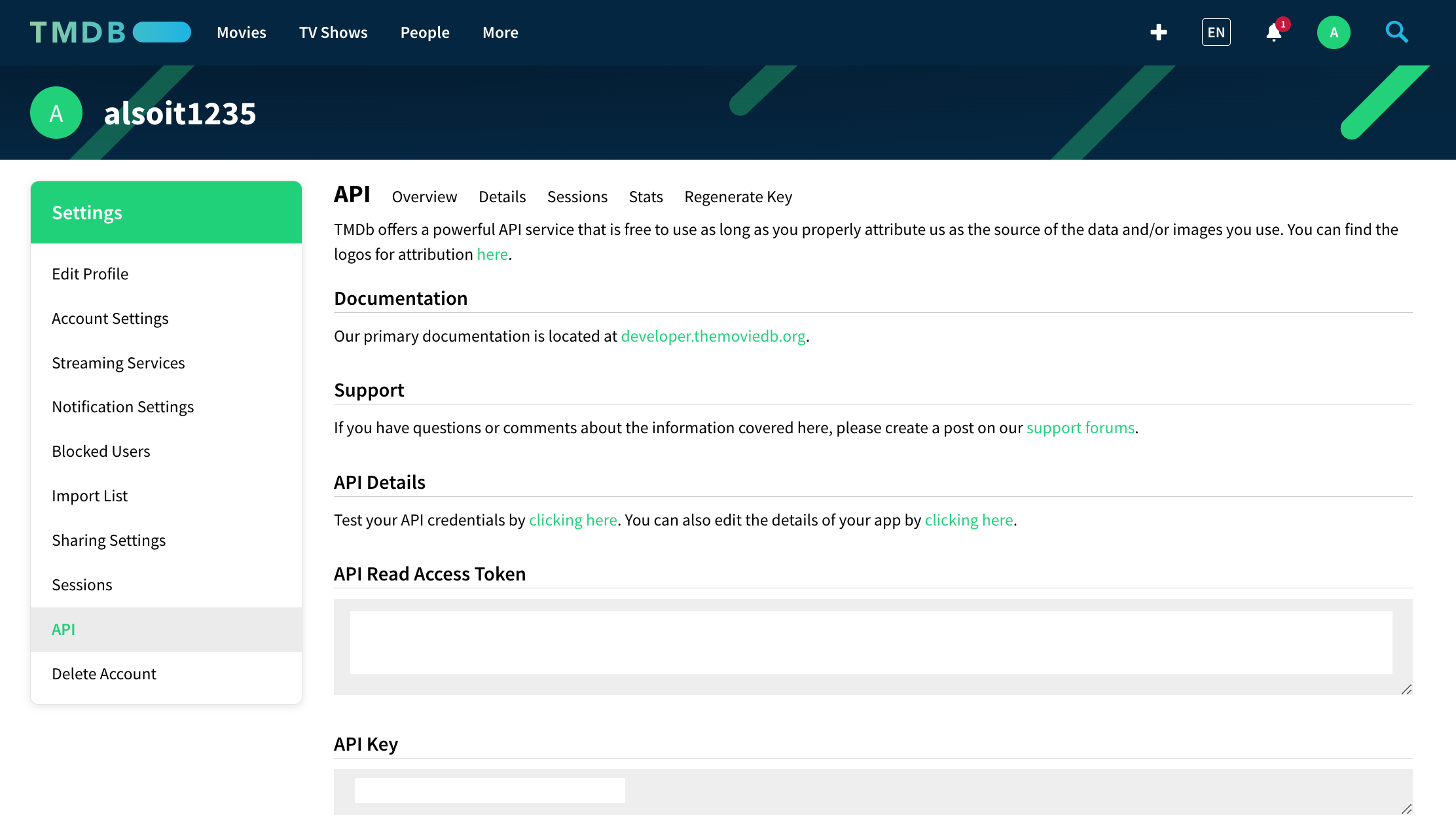
1. Go to your account settings
2. Navigate to "API" section
## Generate API Key
1. Go to your account settings
2. Navigate to "API" section
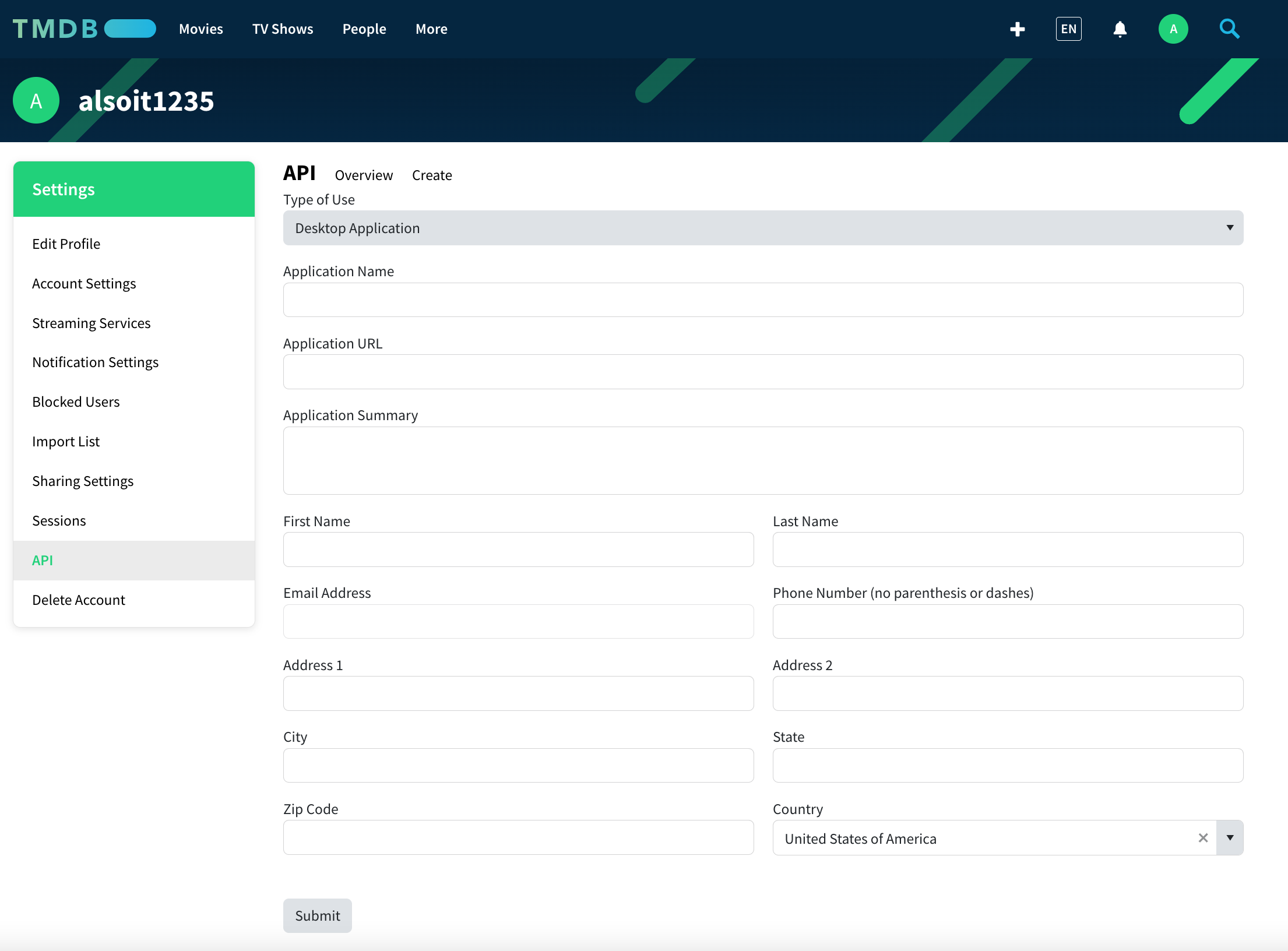
 1. Click "Create New API Key"
2. Accept the terms of service
3. Generate API credential
1. Click "Create New API Key"
2. Accept the terms of service
3. Generate API credential
 1. Copy the API key (v3 auth)
2. Store it securely
1. Copy the API key (v3 auth)
2. Store it securely
 Never expose this key in client-side code
## Add to Anything project
1. In your Anything project, type `/` in chat
2. Select "MovieDB" from the menu
1. Paste your MovieDB API key into "MOVIEDB\_API\_KEY" secret
Need a new key? Regenerate in your MovieDB API settings.
Use prompts to access entertainment data:
* `Show details for The Dark Knight using /MovieDB`
* `Build a movie recommendation app with /MovieDB`
* `Create a TV show watchlist with /MovieDB`
* `Display cast photos for Stranger Things via /MovieDB`
API responses are live data - cache results for better performance
MovieDB integration complete! Use `/TMDb` in chat to access entertainment data.
Never expose this key in client-side code
## Add to Anything project
1. In your Anything project, type `/` in chat
2. Select "MovieDB" from the menu
1. Paste your MovieDB API key into "MOVIEDB\_API\_KEY" secret
Need a new key? Regenerate in your MovieDB API settings.
Use prompts to access entertainment data:
* `Show details for The Dark Knight using /MovieDB`
* `Build a movie recommendation app with /MovieDB`
* `Create a TV show watchlist with /MovieDB`
* `Display cast photos for Stranger Things via /MovieDB`
API responses are live data - cache results for better performance
MovieDB integration complete! Use `/TMDb` in chat to access entertainment data.