> ## Documentation Index
> Fetch the complete documentation index at: https://www.anything.com/docs/llms.txt
> Use this file to discover all available pages before exploring further.
# NeverBounce
> Verify email addresses in real-time
NeverBounce helps you validate email addresses to improve deliverability and protect your sender reputation.
## Overview
Sign up for a NeverBounce account
Generate your NeverBounce API key
Add your API key to Anything's secrets
## Account Creation
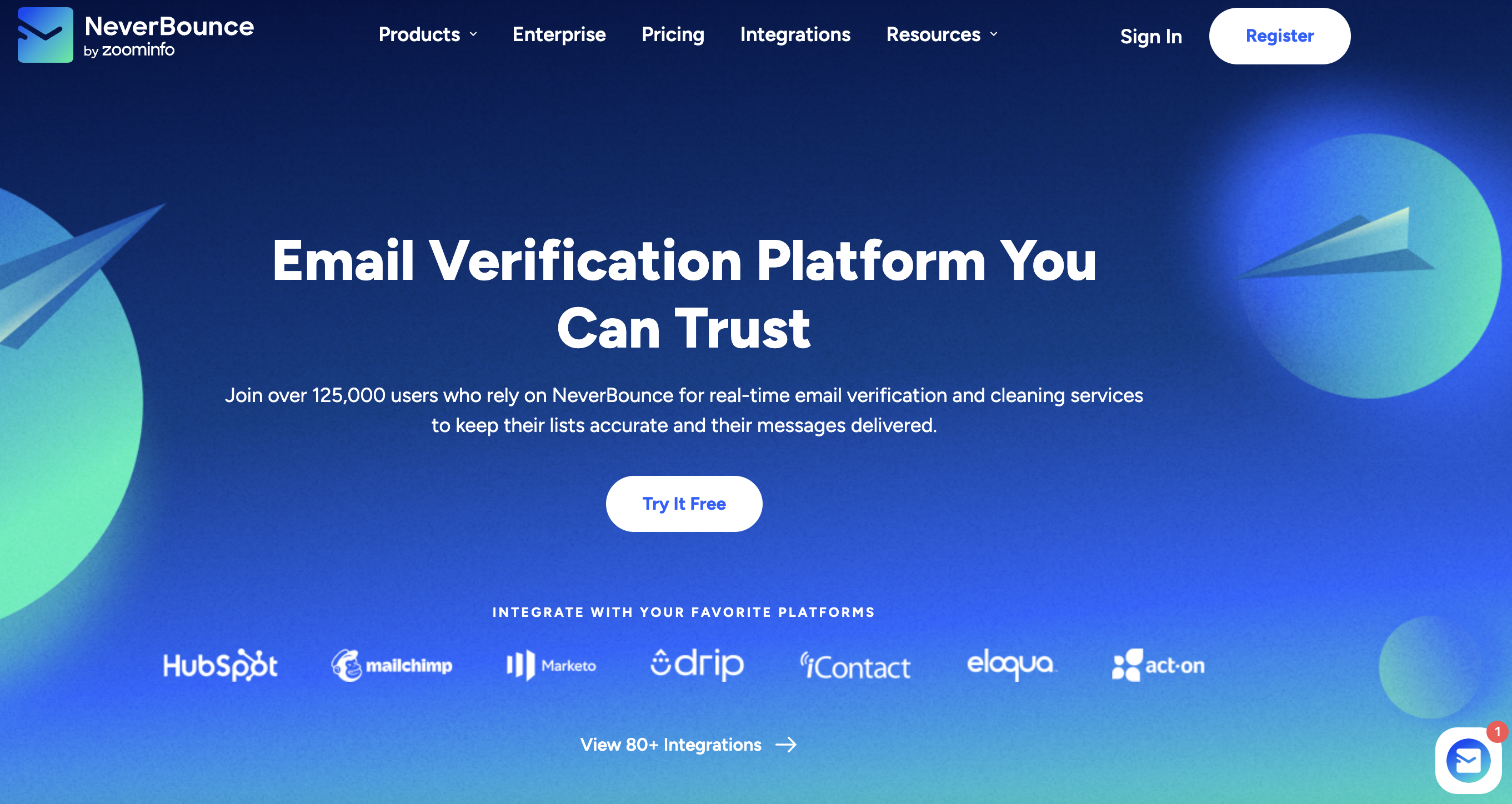
Go to [neverbounce.com](https://neverbounce.com/) and click "Register" in the top right corner
 * Sign up with email/password
* Or continue with Google/GitHub authentication
## Generate API Key
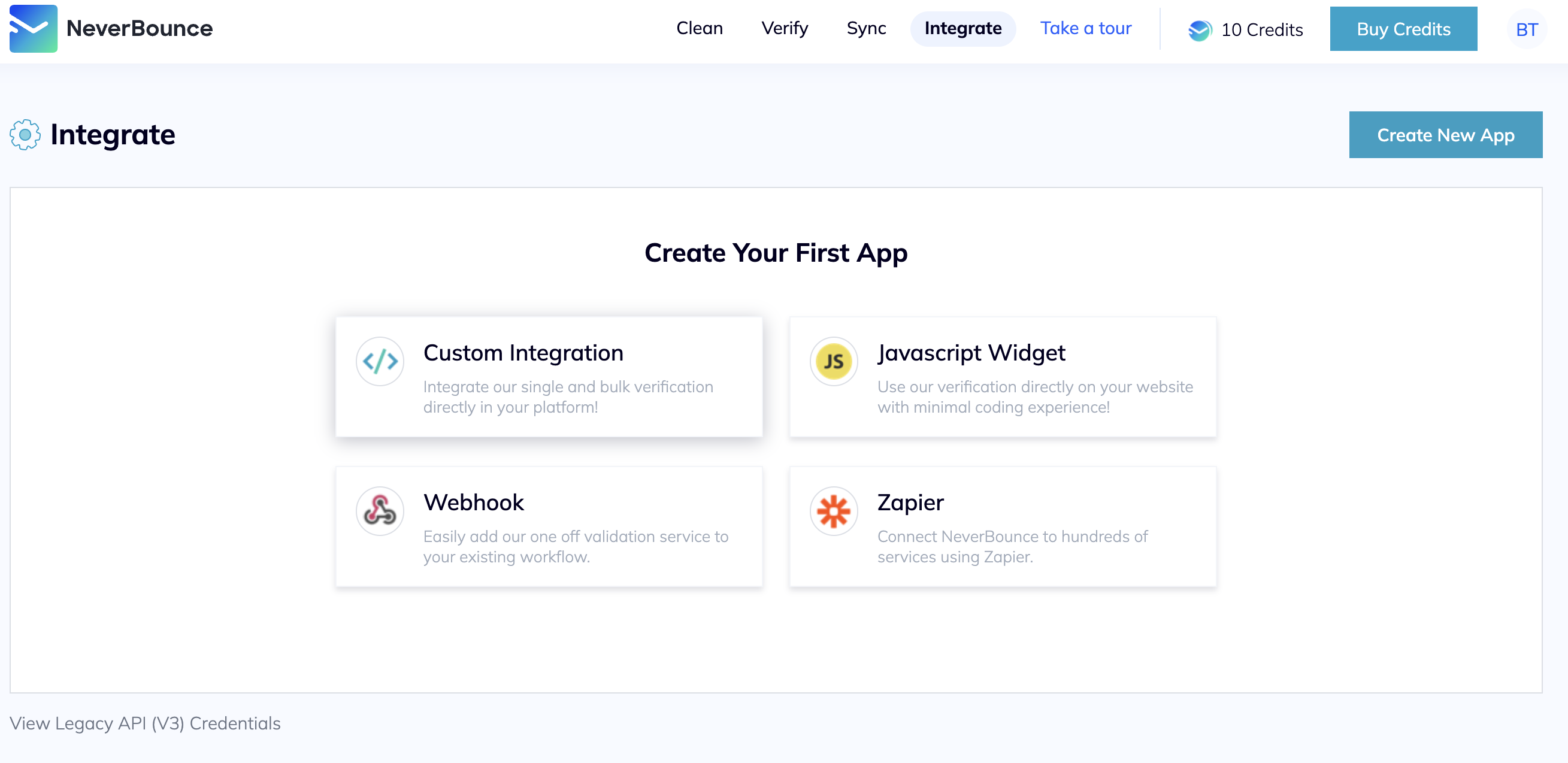
1. Click on "Integrations" in your navigation bar
2. Select "Custom Integrations" from the menu
* Sign up with email/password
* Or continue with Google/GitHub authentication
## Generate API Key
1. Click on "Integrations" in your navigation bar
2. Select "Custom Integrations" from the menu
 Keep your API key secure - it grants full access to your NeverBounce account
1. Copy the generated key
Keep your API key secure - it grants full access to your NeverBounce account
1. Copy the generated key
 ## Add to Anything project
1. In your Anything project, type `/` in the chat
2. Select "NeverBounce" from the menu
1. Paste your NeverBounce API key into the "NEVERBOUNCE\_API\_KEY" field
Need a new key? Generate one in your NeverBounce dashboard.
You can now use prompts with the integration to validate emails.
Example prompts:
* `Validate this email list using /NeverBounce`
* `Add email validation to my signup form with /NeverBounce`
* `Clean my contact database with /NeverBounce`
NeverBounce charges per validation. Ask the agent to show a helpful message if the connection fails.
Your NeverBounce integration is ready! Use `/NeverBounce` in chat to validate emails.
## Add to Anything project
1. In your Anything project, type `/` in the chat
2. Select "NeverBounce" from the menu
1. Paste your NeverBounce API key into the "NEVERBOUNCE\_API\_KEY" field
Need a new key? Generate one in your NeverBounce dashboard.
You can now use prompts with the integration to validate emails.
Example prompts:
* `Validate this email list using /NeverBounce`
* `Add email validation to my signup form with /NeverBounce`
* `Clean my contact database with /NeverBounce`
NeverBounce charges per validation. Ask the agent to show a helpful message if the connection fails.
Your NeverBounce integration is ready! Use `/NeverBounce` in chat to validate emails.