> ## Documentation Index
> Fetch the complete documentation index at: https://www.anything.com/docs/llms.txt
> Use this file to discover all available pages before exploring further.
# News & Headlines
> Access global news articles and headlines
News API provides access to breaking news headlines and historical articles from over 80,000 sources worldwide.
## Overview
Sign up for a News API account
Generate your News API key
Add your API key to Anything's secrets
## Account Creation
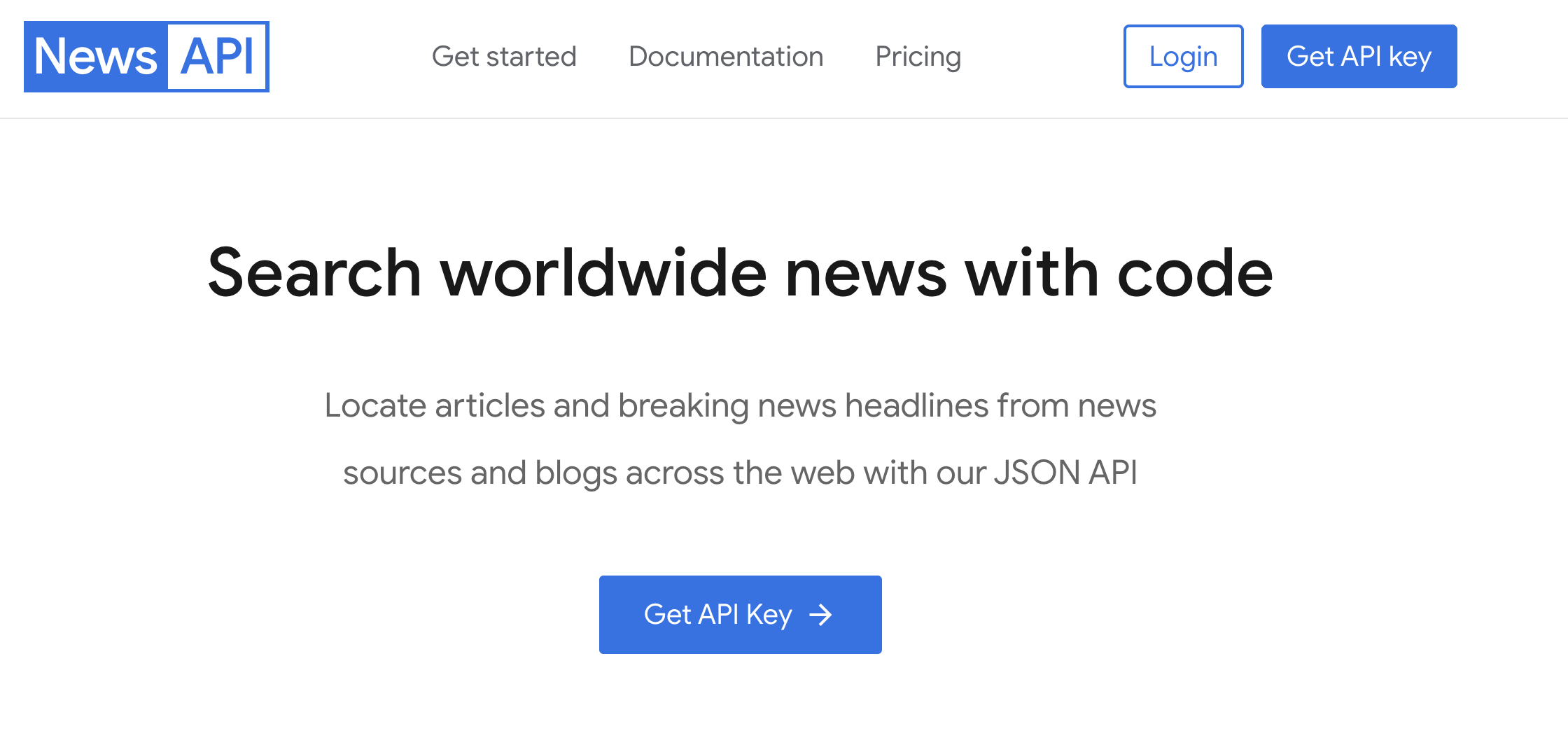
Go to [newsapi.org](https://newsapi.org/) and click "Get API Key" in the top right corner
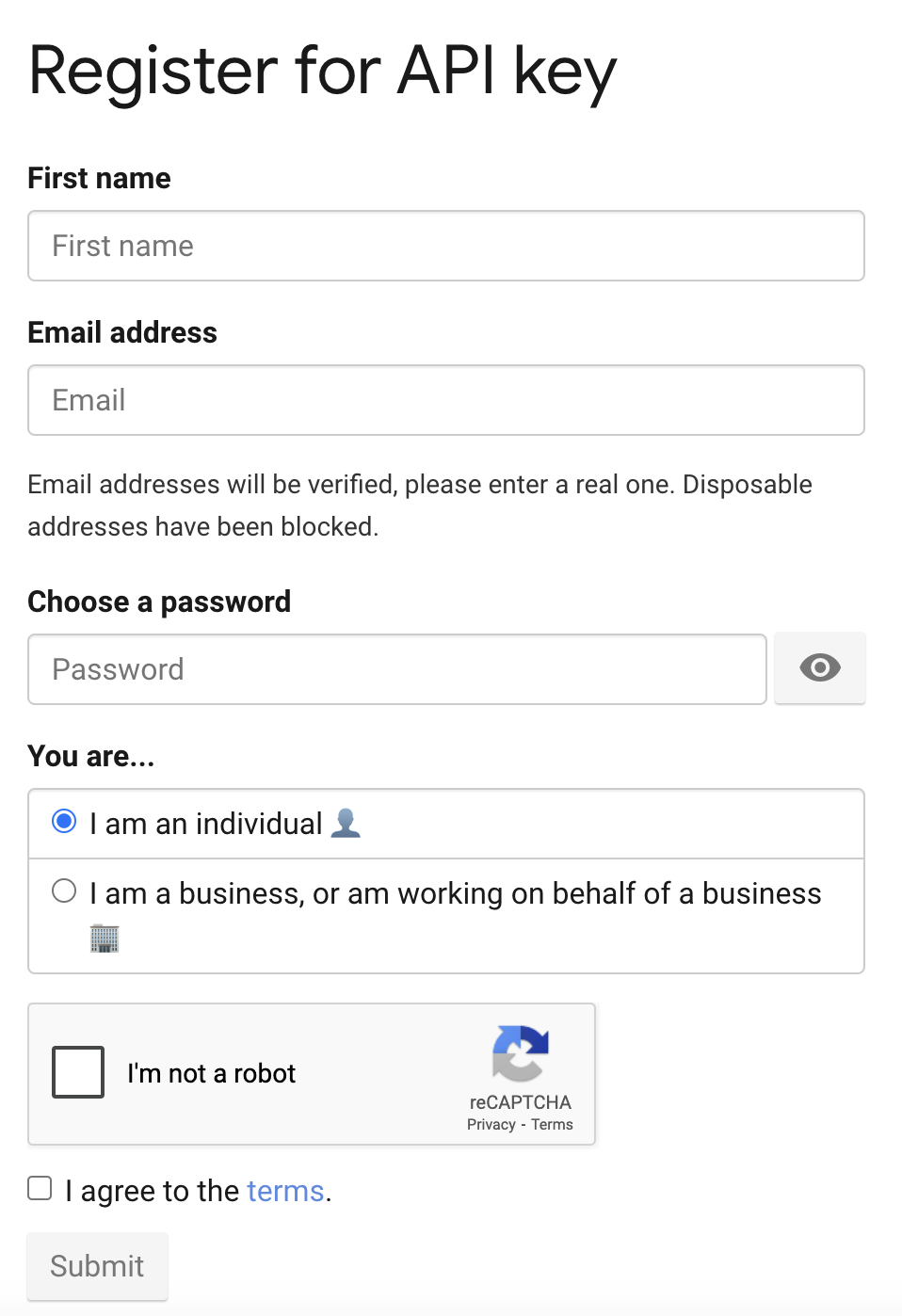
 * Fill in your name, email, and password
* Select your usage purpose (personal/academic/business)
* Accept the terms and conditions
* Fill in your name, email, and password
* Select your usage purpose (personal/academic/business)
* Accept the terms and conditions
 ## Generate API Key
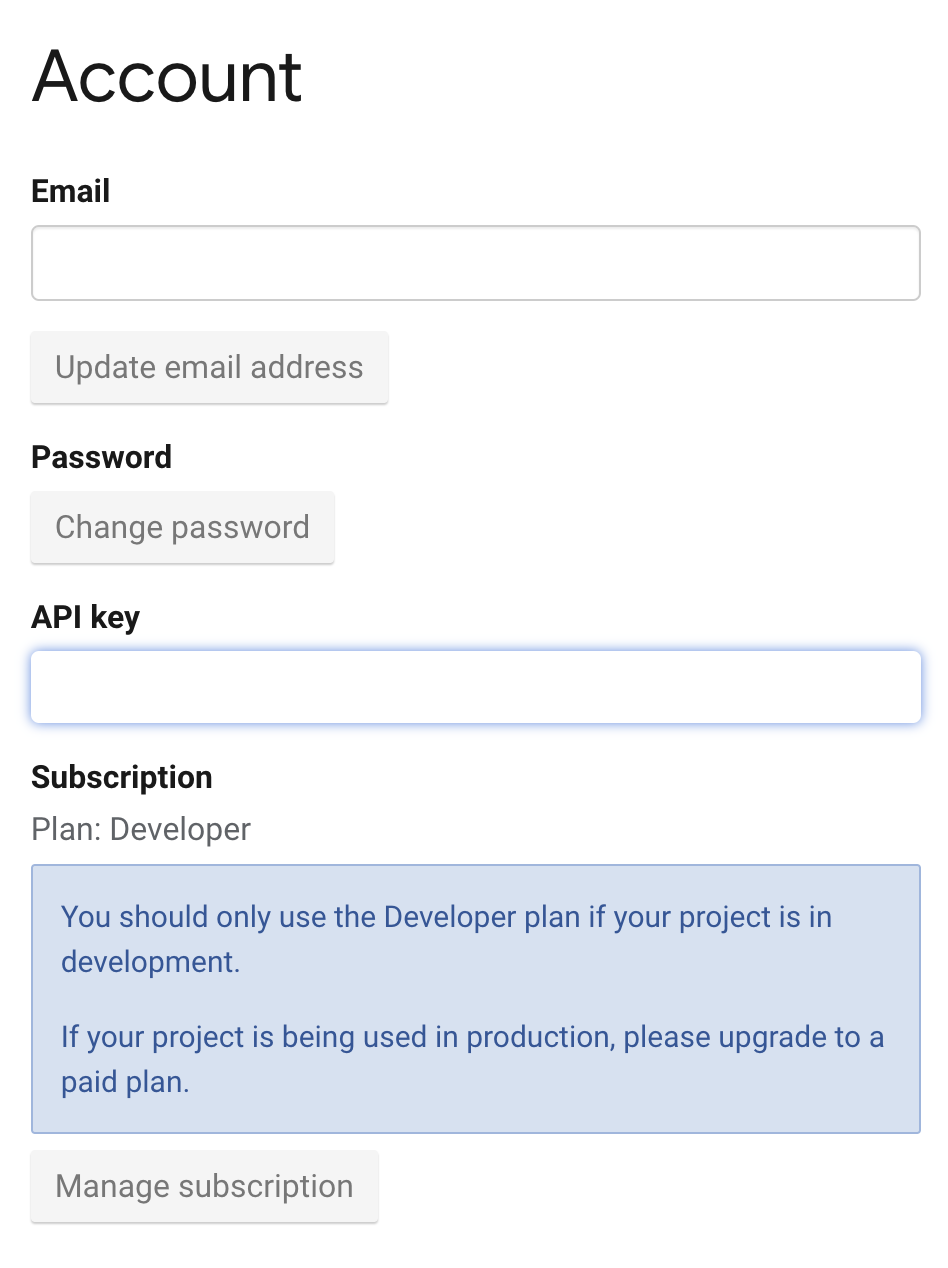
1. After registration, you'll be redirected to your account page
2. Your API key will be displayed on the dashboard
1. Copy the API key from your dashboard
2. Keep this key secure for use in your applications
## Generate API Key
1. After registration, you'll be redirected to your account page
2. Your API key will be displayed on the dashboard
1. Copy the API key from your dashboard
2. Keep this key secure for use in your applications
 Keep your API key secure - it grants access to your News API quota
## Add to Anything project
1. In your Anything project, type `/` in the chat
2. Select "News API" from the menu
1. Paste your News API key into the "NEWS\_API\_KEY" field
Need a new key? You can find it in your News API dashboard.
You can now use prompts with the integration to access news articles and headlines.
Some examples:
* `Get the latest technology news with /NewsAPI`
* `Find articles about climate change using /NewsAPI`
* `Create a news aggregator app with /NewsAPI`
Free tier has limitations (100 requests/day, no historical data) - consider upgrading for production use.
Example prompt for optimization:
```
When using /NewsAPI, save the news articles so my app doesn't have to fetch them again
```
Your News API integration is now ready! Use the `/NewsAPI` command in chat to access global news.
Keep your API key secure - it grants access to your News API quota
## Add to Anything project
1. In your Anything project, type `/` in the chat
2. Select "News API" from the menu
1. Paste your News API key into the "NEWS\_API\_KEY" field
Need a new key? You can find it in your News API dashboard.
You can now use prompts with the integration to access news articles and headlines.
Some examples:
* `Get the latest technology news with /NewsAPI`
* `Find articles about climate change using /NewsAPI`
* `Create a news aggregator app with /NewsAPI`
Free tier has limitations (100 requests/day, no historical data) - consider upgrading for production use.
Example prompt for optimization:
```
When using /NewsAPI, save the news articles so my app doesn't have to fetch them again
```
Your News API integration is now ready! Use the `/NewsAPI` command in chat to access global news.