> ## Documentation Index
> Fetch the complete documentation index at: https://www.anything.com/docs/llms.txt
> Use this file to discover all available pages before exploring further.
# Petfinder
> Access pet adoption data and information
Petfinder provides access to a comprehensive database of adoptable pets, shelters, and rescue organizations.
## Overview
Sign up for a Petfinder account.
Generate your Petfinder API key.
Add your API key to Anything's secrets.
## Account Creation
Go to [petfinder.com/developer](https://www.petfinder.com/developer) and click "Sign Up" in the top right corner.
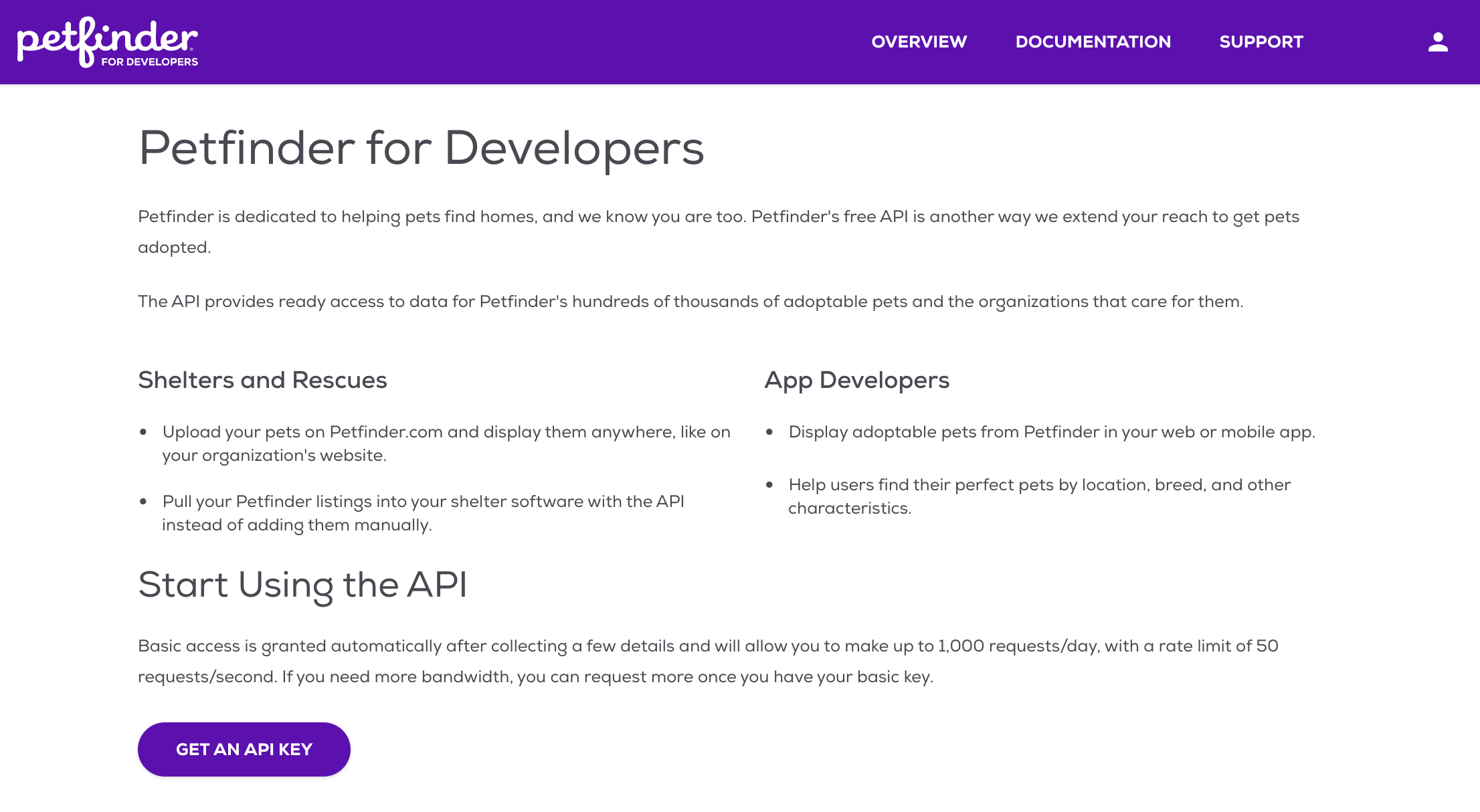 * Sign up with email/password.
* Or continue with social media authentication.
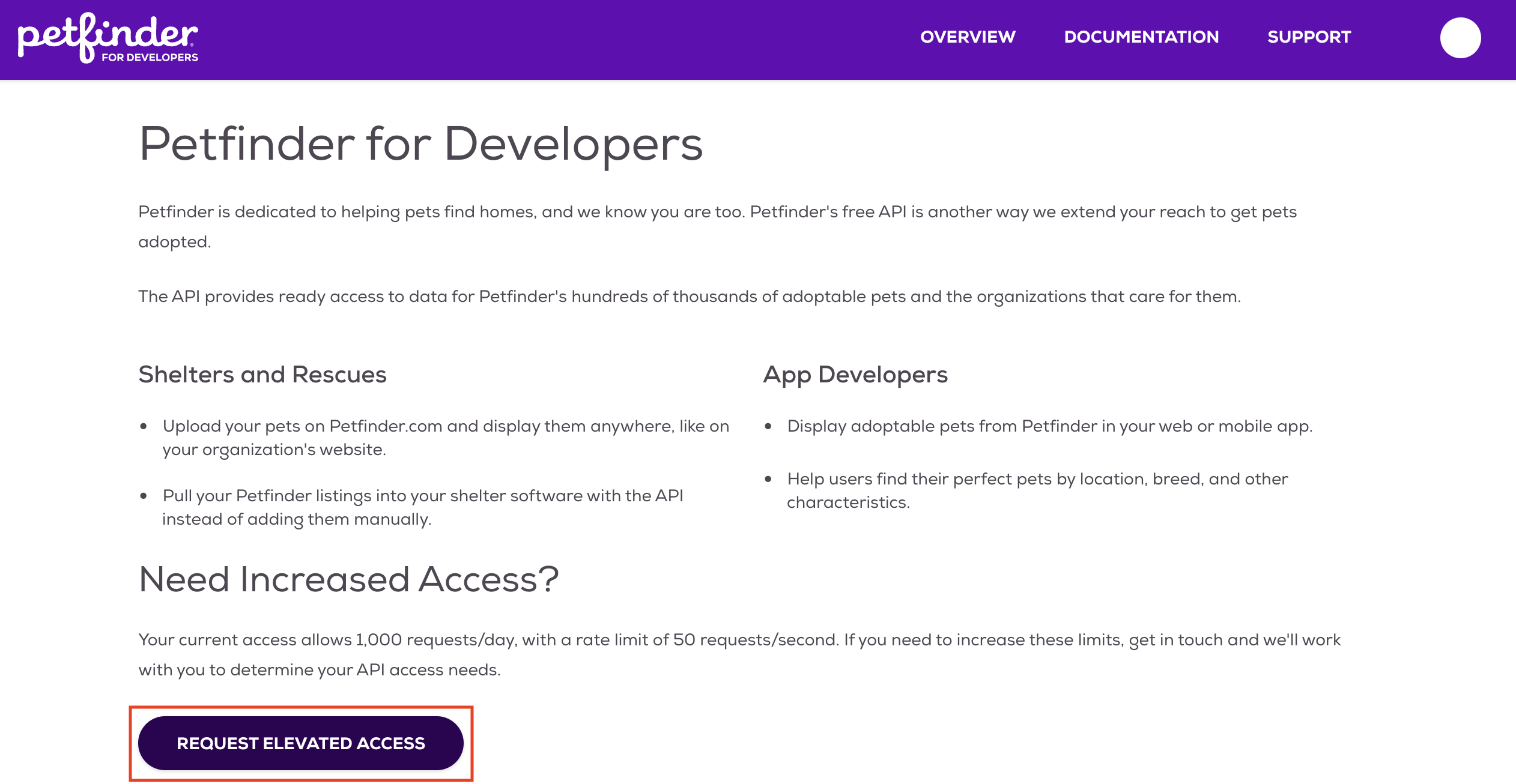
If the website isn't logging you in properly, please click "Request Elevated Access".
* Sign up with email/password.
* Or continue with social media authentication.
If the website isn't logging you in properly, please click "Request Elevated Access".
 ## Generate API Key
1. Log in to your Petfinder account.
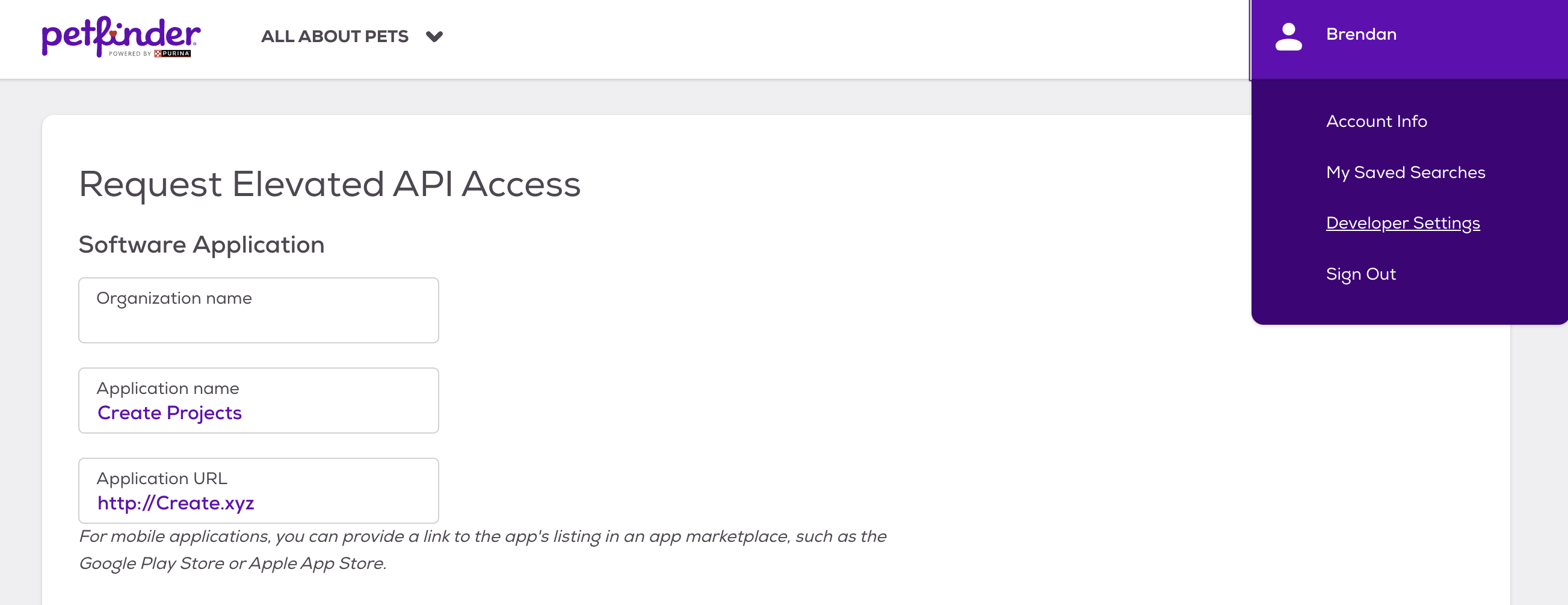
2. Navigate to the Developer Settings section in your account settings.
## Generate API Key
1. Log in to your Petfinder account.
2. Navigate to the Developer Settings section in your account settings.
 1. Click "Create API Key."
2. Name your key (e.g., "Anything Integration").
3. Click "Generate."
1. Click "Create API Key."
2. Name your key (e.g., "Anything Integration").
3. Click "Generate."
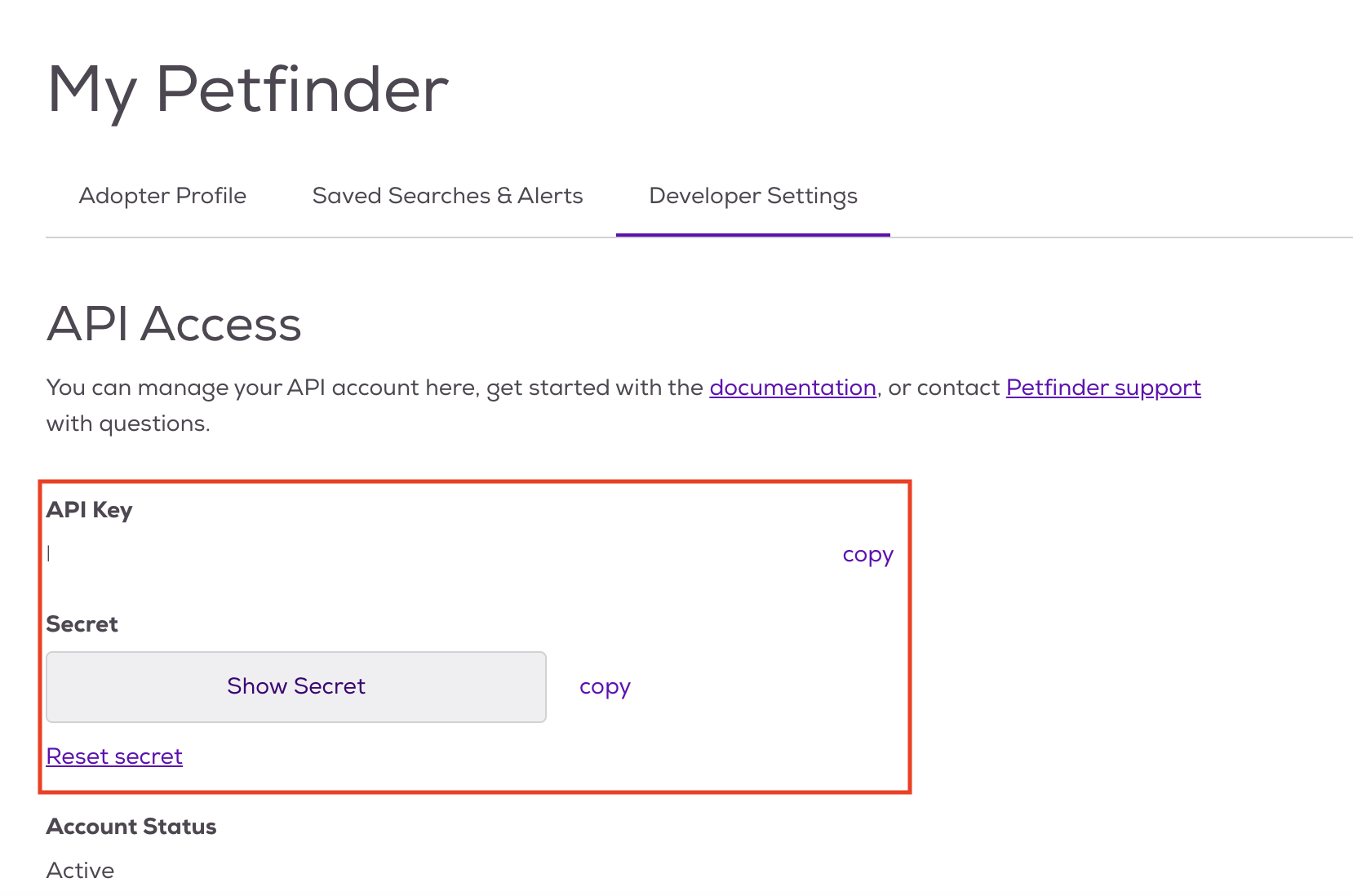 1. Copy the generated API key.
2. Store it securely - you won't be able to see it again.
Keep your API key secure - it grants access to your account data.
## Add to Anything project
1. In your Anything project, type `/` in chat.
2. Select "Petfinder" from the menu.
1. Paste your API key into "PETFINDER\_API\_KEY."
Need new credentials? Regenerate in the Petfinder dashboard.
You can now use prompts with the integration to access pet adoption data.
Example prompts:
* `Find adoptable pets in my area using /Petfinder`
* `Get details about a specific pet using /Petfinder`
* `Build a pet adoption app with /Petfinder`
The Petfinder API has rate limits. If something fails, wait a moment and try again.
Example prompt for optimization:
```
When using /Petfinder, save the pet details so they load faster next time
```
Your Petfinder integration is ready! Use `/Petfinder` in chat to access pet adoption data.
1. Copy the generated API key.
2. Store it securely - you won't be able to see it again.
Keep your API key secure - it grants access to your account data.
## Add to Anything project
1. In your Anything project, type `/` in chat.
2. Select "Petfinder" from the menu.
1. Paste your API key into "PETFINDER\_API\_KEY."
Need new credentials? Regenerate in the Petfinder dashboard.
You can now use prompts with the integration to access pet adoption data.
Example prompts:
* `Find adoptable pets in my area using /Petfinder`
* `Get details about a specific pet using /Petfinder`
* `Build a pet adoption app with /Petfinder`
The Petfinder API has rate limits. If something fails, wait a moment and try again.
Example prompt for optimization:
```
When using /Petfinder, save the pet details so they load faster next time
```
Your Petfinder integration is ready! Use `/Petfinder` in chat to access pet adoption data.