> ## Documentation Index
> Fetch the complete documentation index at: https://www.anything.com/docs/llms.txt
> Use this file to discover all available pages before exploring further.
# Veriphone
> Validate and verify phone numbers globally
Veriphone API allows you to validate, verify, and get information about phone numbers from around the world, helping ensure data quality in your applications.
## Overview
Sign up for a Veriphone account
Generate your Veriphone API key
Add your API key to Anything's secrets
## Account Creation
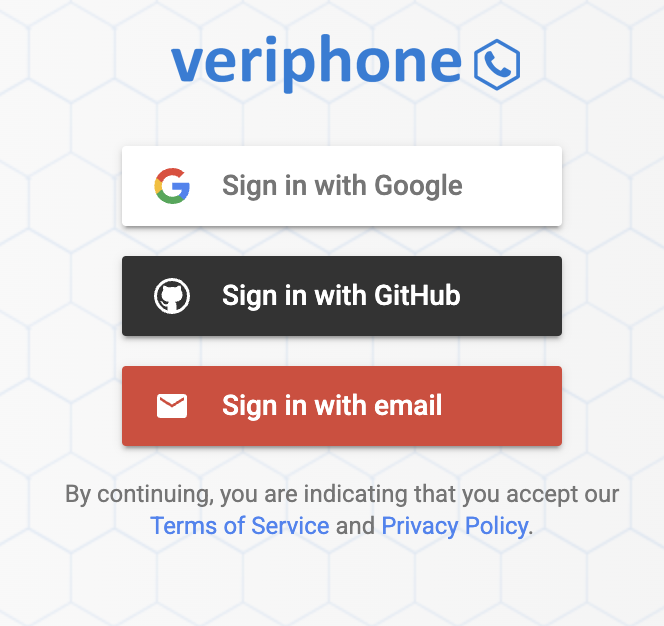
Go to [veriphone.io](https://veriphone.io/) and click "Sign Up" in the top right corner
 * Complete the verification process
* Confirm your email address
* Complete the verification process
* Confirm your email address
 ## Generate API Key
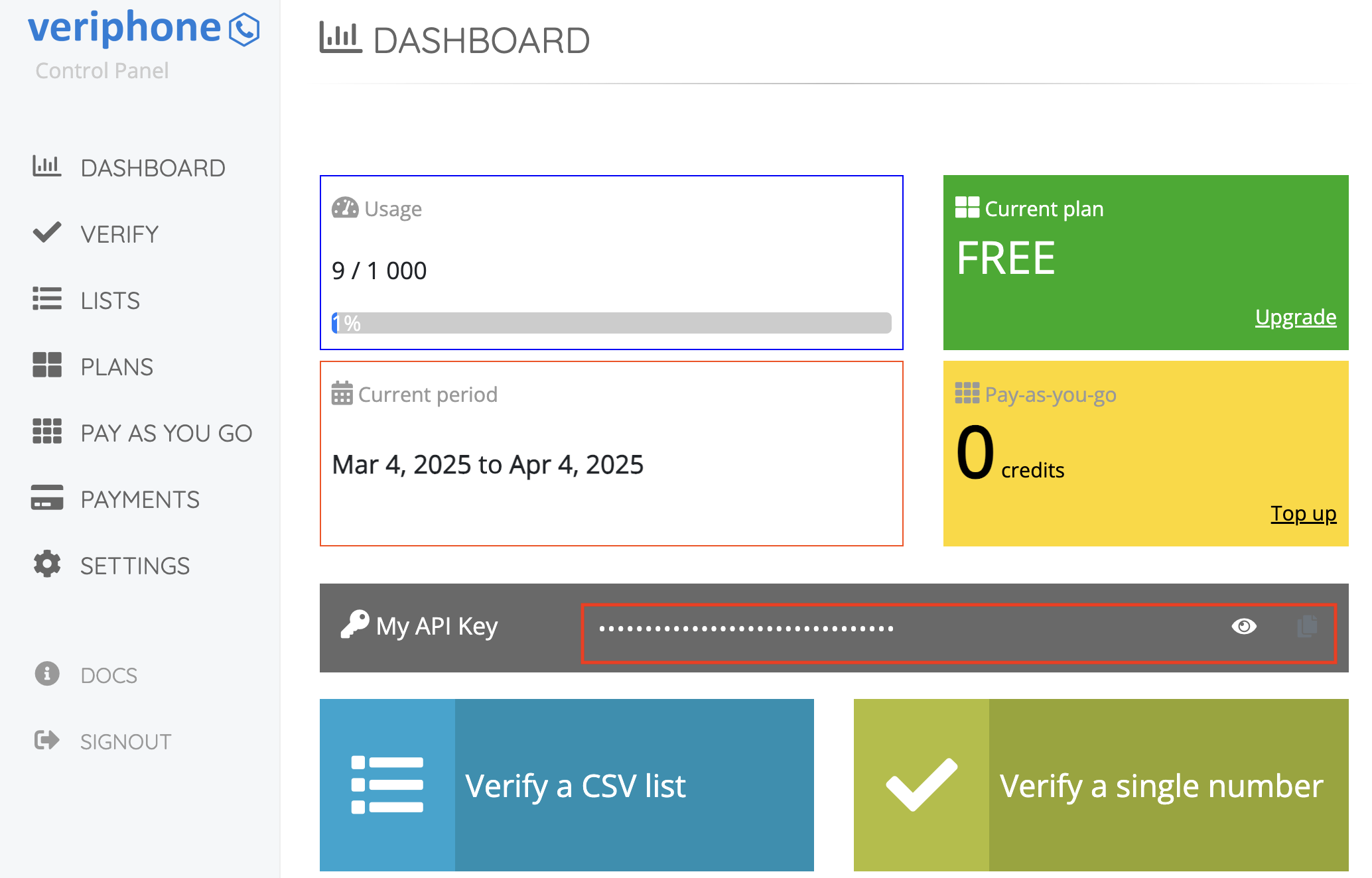
1. Log in to your Veriphone account
2. Navigate to the "API" section in your dashboard
3. Copy the generated API key
4. Store it securely for use in your applications
## Generate API Key
1. Log in to your Veriphone account
2. Navigate to the "API" section in your dashboard
3. Copy the generated API key
4. Store it securely for use in your applications
 Keep your API key secure - it grants access to your Veriphone account and quota
## Add to Anything project
1. In your Anything project, type `/` in the chat
2. Select "Veriphone" from the menu
1. Paste your Veriphone API key into the "VERIPHONE\_API\_KEY" field
Need a new key? Generate one in your Veriphone dashboard.
You can now use prompts with the integration to validate and verify phone numbers.
Some examples:
* `Validate this phone number using /Veriphone`
* `Create a contact form with phone validation using /Veriphone`
* `Build a customer database with phone verification using /Veriphone`
The API limits how often your app can fetch data. If your app loads the same data often, ask the agent to save it locally so it doesn't re-fetch every time.
Example prompt for optimization:
```
When using /Veriphone, save the validation results so my app doesn't have to fetch it again
```
Your Veriphone integration is now ready! Use the `/Veriphone` command in chat to validate phone numbers.
Keep your API key secure - it grants access to your Veriphone account and quota
## Add to Anything project
1. In your Anything project, type `/` in the chat
2. Select "Veriphone" from the menu
1. Paste your Veriphone API key into the "VERIPHONE\_API\_KEY" field
Need a new key? Generate one in your Veriphone dashboard.
You can now use prompts with the integration to validate and verify phone numbers.
Some examples:
* `Validate this phone number using /Veriphone`
* `Create a contact form with phone validation using /Veriphone`
* `Build a customer database with phone verification using /Veriphone`
The API limits how often your app can fetch data. If your app loads the same data often, ask the agent to save it locally so it doesn't re-fetch every time.
Example prompt for optimization:
```
When using /Veriphone, save the validation results so my app doesn't have to fetch it again
```
Your Veriphone integration is now ready! Use the `/Veriphone` command in chat to validate phone numbers.