Give it a goal. It builds, tests in a real browser, and fixes until it’s done.
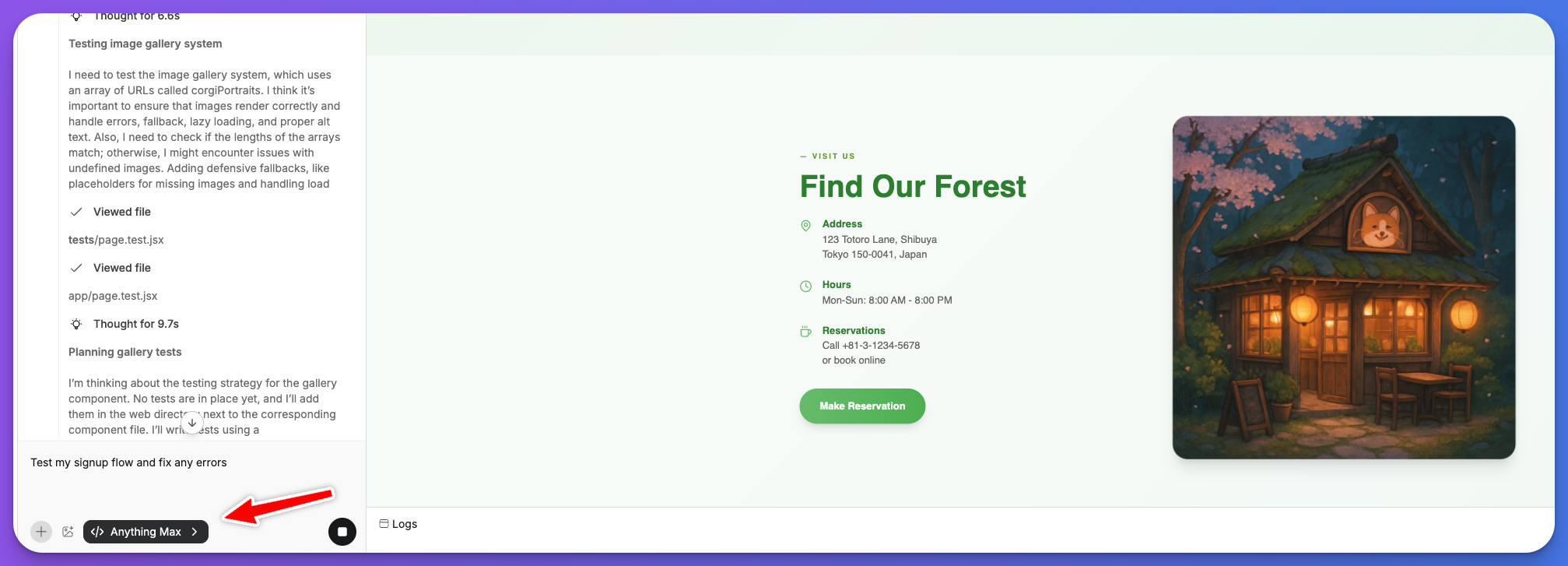
Max builds, tests, and fixes your app on its own. Give it a goal and it writes code, opens your app in a real browser, uses it like a person, and keeps going until the task is complete.
Normally you prompt the agent, check the result, test it yourself, then prompt again. Max takes that loop off your plate. It generates, tries the app in a browser, spots what’s wrong, and fixes it on its own.Use Max when:
Your task needs the agent to actually try the app. Clicking through flows, filling forms, testing interactions.
You’d rather describe a goal and walk away than go back and forth.
You’re about to launch and want to test real user flows before going live.
The bug is hard to describe but you know something’s off.
The tradeoff is speed. Max takes longer and uses more credits than other modes because it’s running a real browser. For quick layout changes or copy edits, Thinking or Fast mode is better. When seeing and using the app matters, Max is worth the wait.
If you’d need to test it yourself to know it works, Max should test it for you.
Anything already lets you build without coding. Max goes further: it builds for you.The other agent modes write and edit code. Max does that, and it also:
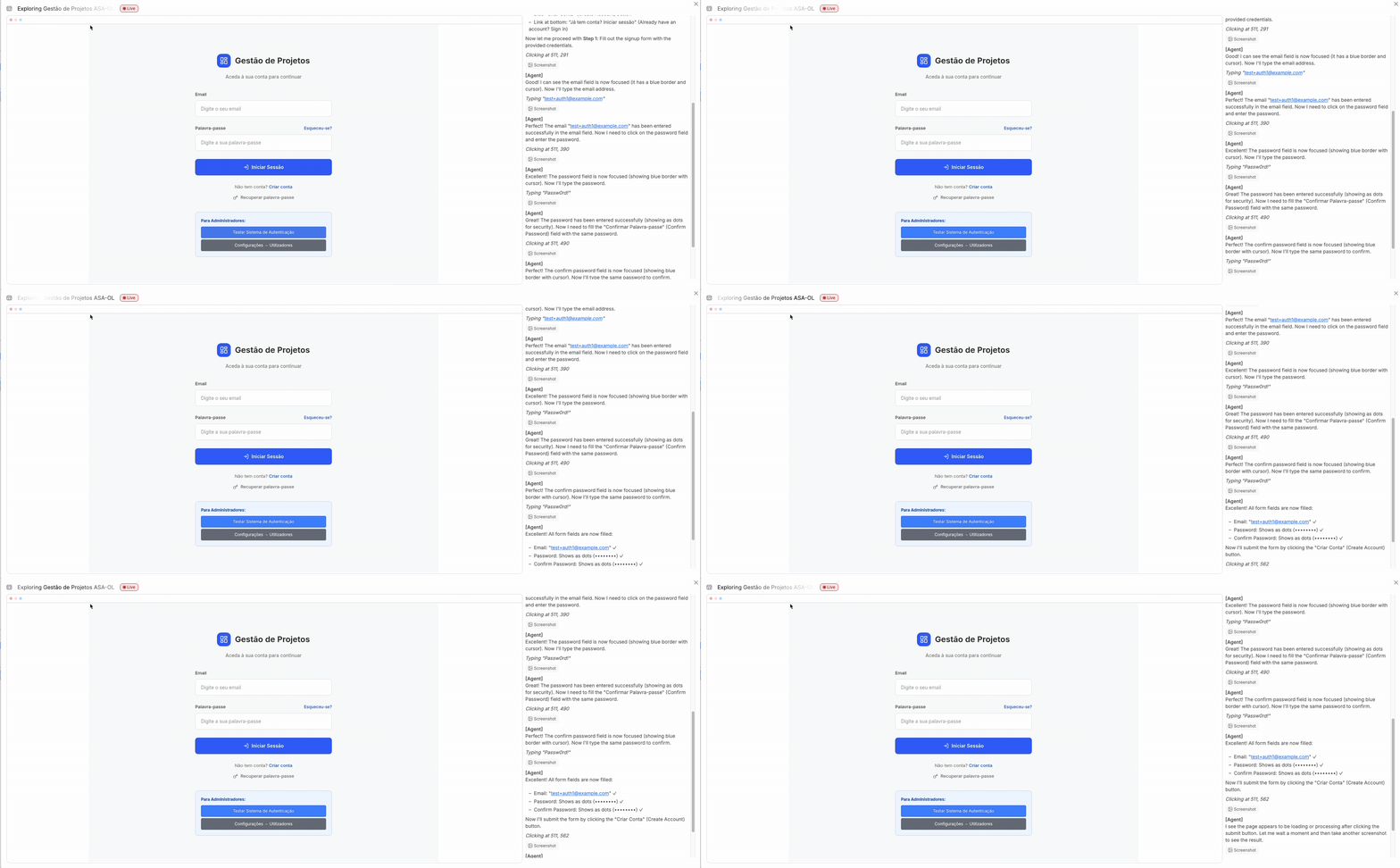
Runs your app in a real browser. Sees it the way a user does. Scrolls, clicks, types, logs in, uploads, checks out. If something looks broken, it notices.
Tests your mobile app on a simulated iOS device. Taps, swipes, scrolls, and verifies that native interactions work the way they should.
Runs your backend logic to check it actually works, not just that the code looks right.
Works in the background on larger goals while you do other things.
Goal → try the app → spot an issue → write a fix → try again. It sometimes runs 100+ steps over 30 minutes. Usually faster.
Expand the steps panel to see what Max is doing in the browser. Every click, page load, and fix it tries. Useful when you want to understand what it found or check it’s on the right track.
More context upfront helps Max move faster. Include what the feature should do, where it lives in the app, and edge cases you care about.
There's a bug where users sometimes get logged out on refresh.I think it's related to the auth token. Find it and fix it.
Build a teams feature. Invite flow, team settings page, role management.Make sure invites work via email.
Test the checkout flow end to end. Stripe payments should go through,error states should show correctly, and the confirmation page should load.
You don’t need to be precise though. If your prompt is vague, Max explores your app to figure out what you mean. It just takes a few extra steps to get there.
Run multiple Max instances at once. Each one works on a separate task independently.Start a Max task, then open a New Thread to kick off another. Since each task takes time, scope each agent to a focused goal and let them run side by side.
One agent fixing auth bugs while another builds the settings page
Three agents QA’ing signup, payments, and invites at the same time
One building a feature while another tests an existing one
A user’s Stripe checkout was failing intermittently. Max walked through the payment flow step by step, found timing issues with how payments were loading, and fixed it. 100% success rate after.Another app had a double-charge bug on mobile. Max emulated fast thumb taps to reproduce it, then added protections so the same payment can’t go through twice. Zero duplicates.One user asked Max to build a full teams and invites feature from scratch. It built the invite flow, team settings, email sending, and tests. Four parallel agents tested signup, CSV import, payments, and invites in 20 minutes.