
Overview
Create Account
Sign up for an Exa account
Configure Billing
Set up payment for API access
Get API Token
Generate your Exa API token
Connect to Anything
Add your token to Anything’s secrets
Account Setup
1
Visit Exa AI
Go to exa.ai and click “Try API For Free”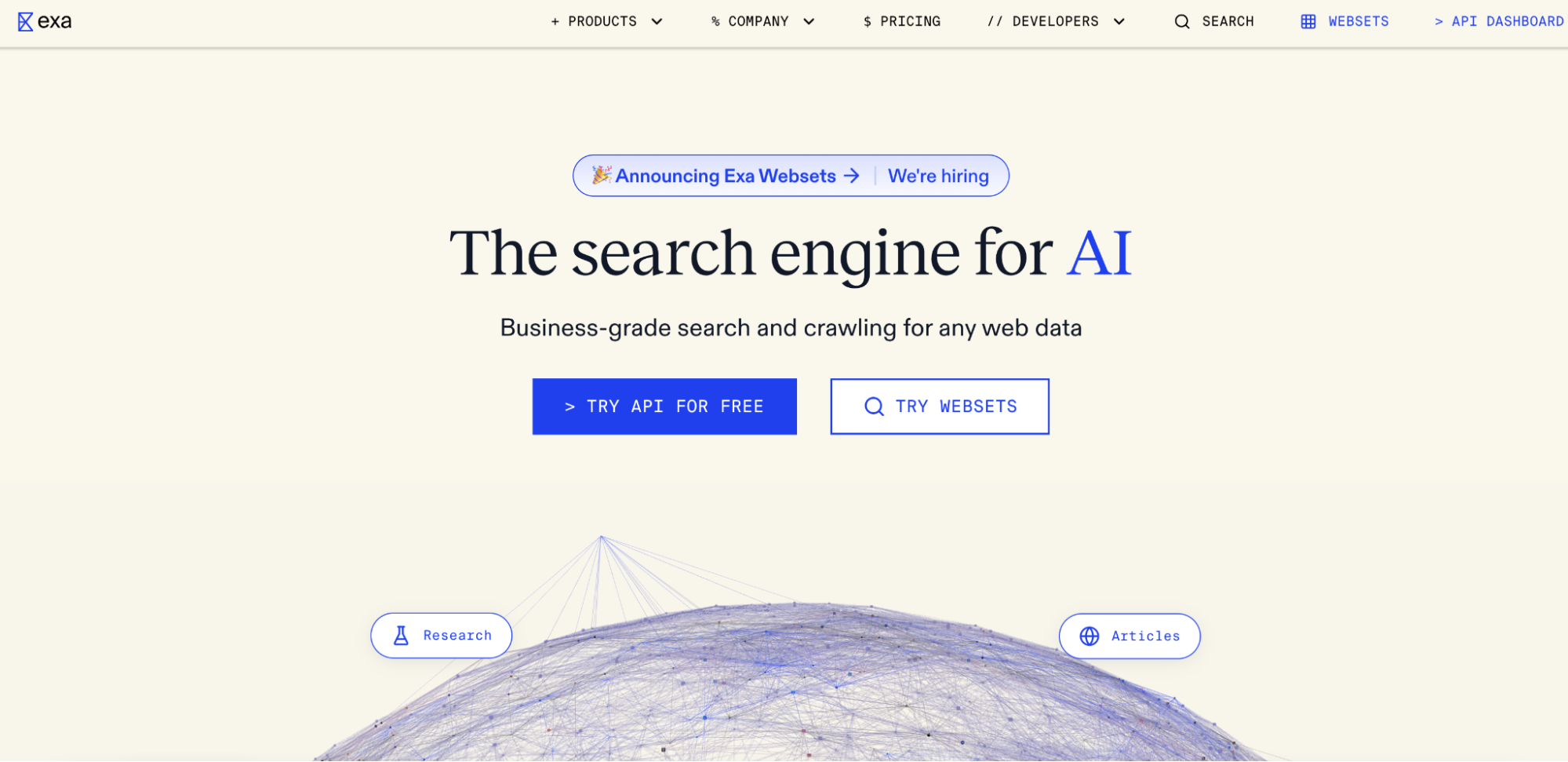
2
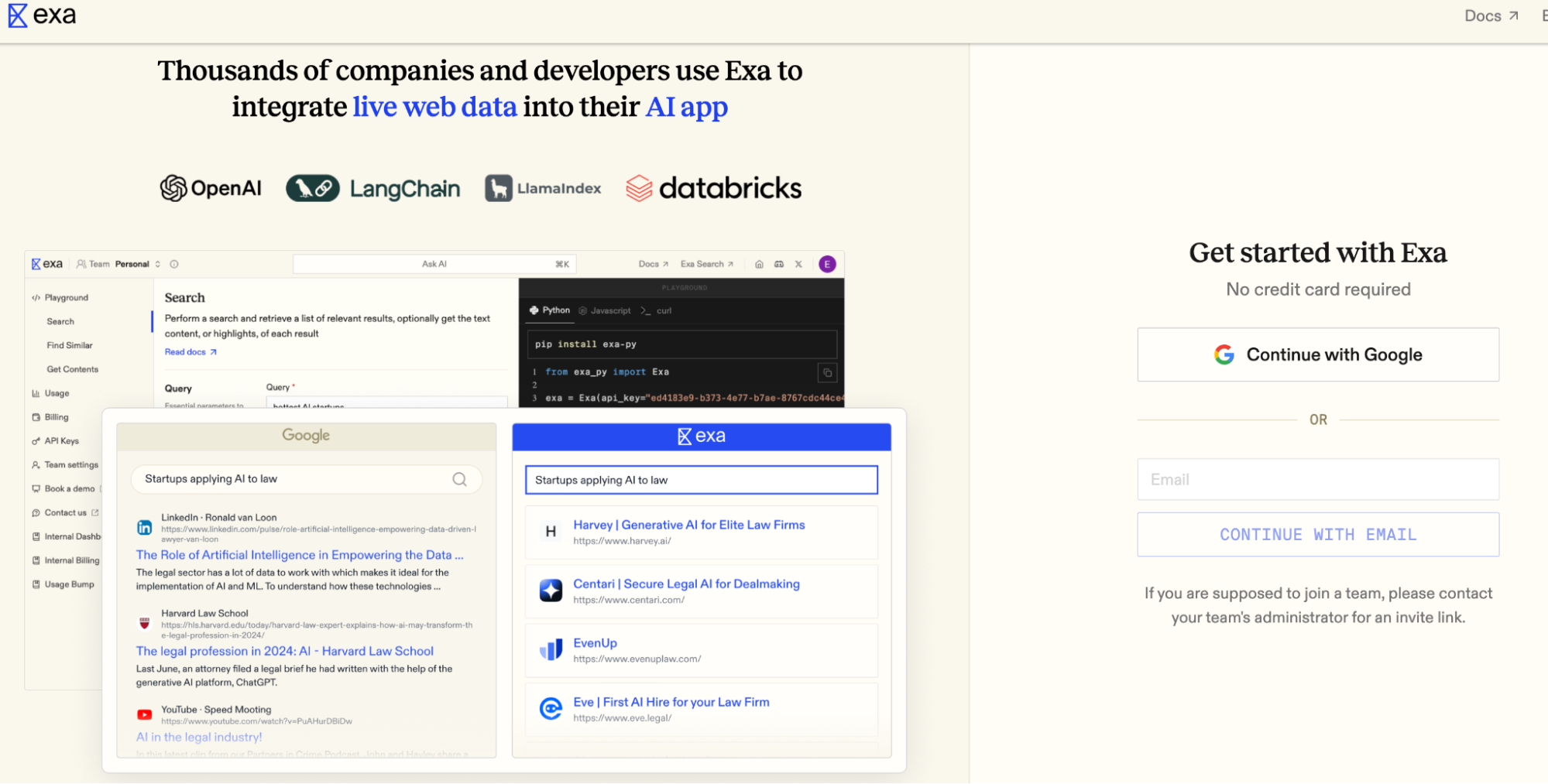
Create Account
- Click “Continue with Google”
- Or sign up with email/password
Configure Billing
1
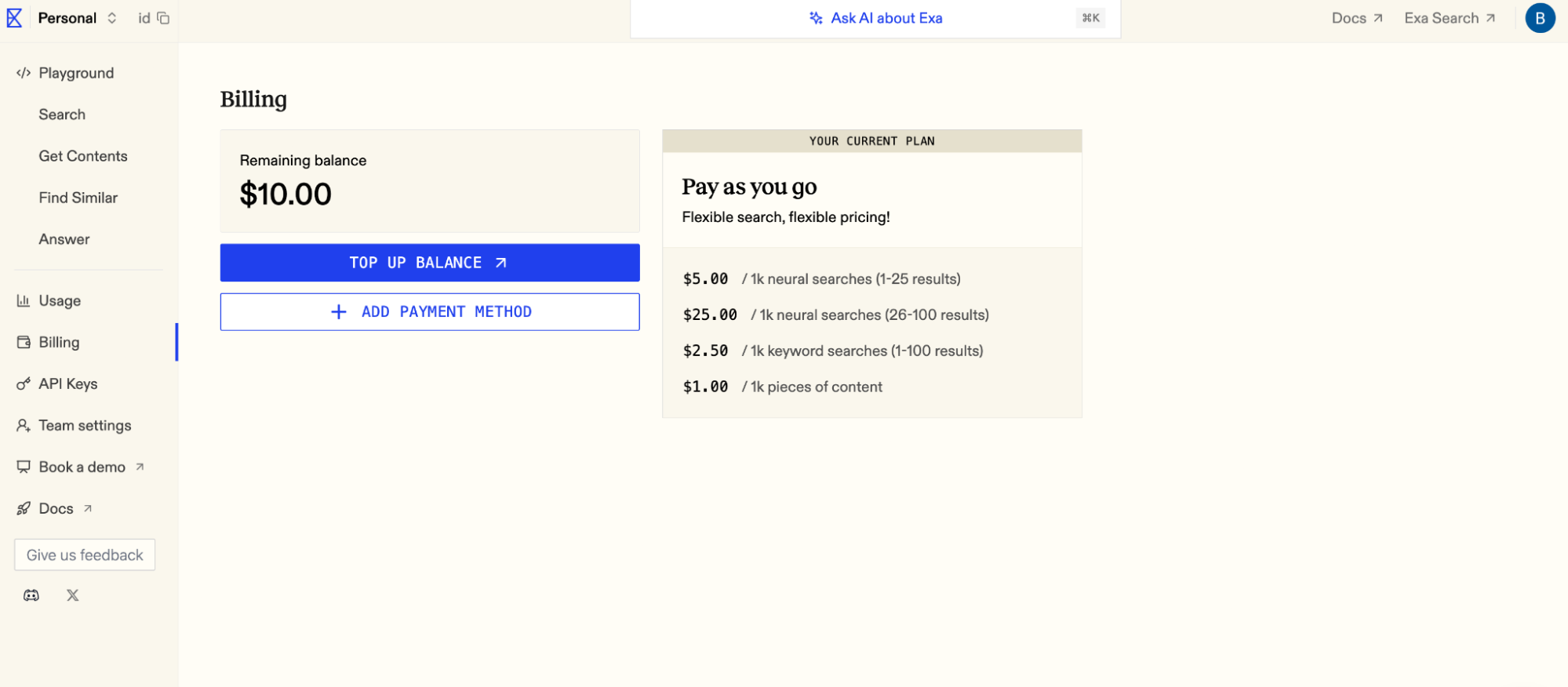
Open Billing Settings
- Navigate to “Billing” in the left panel
- Click “Top Up Balance”
2
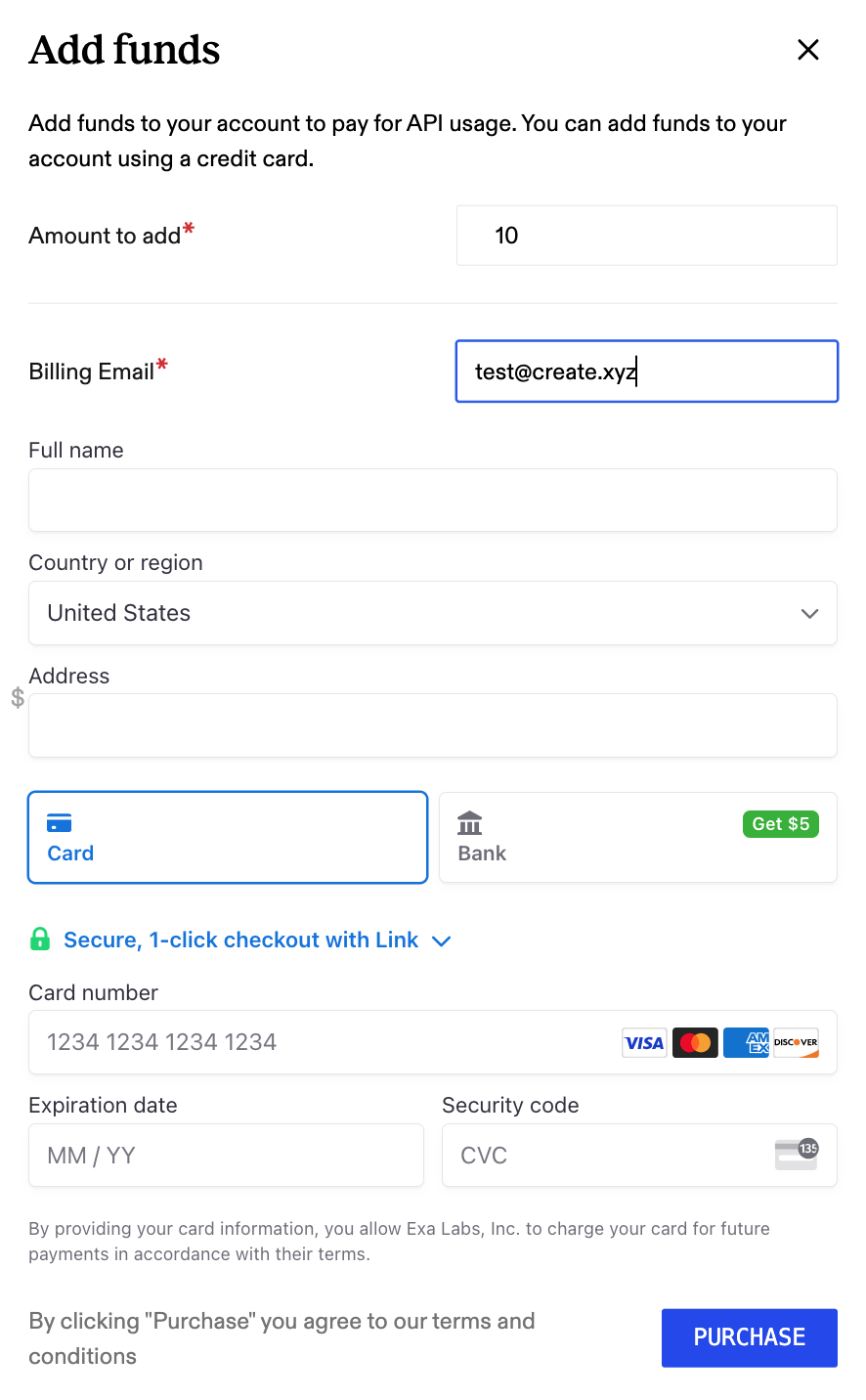
Add Payment Method
- Enter payment information
- Click “Purchase”
Generate API Token
1
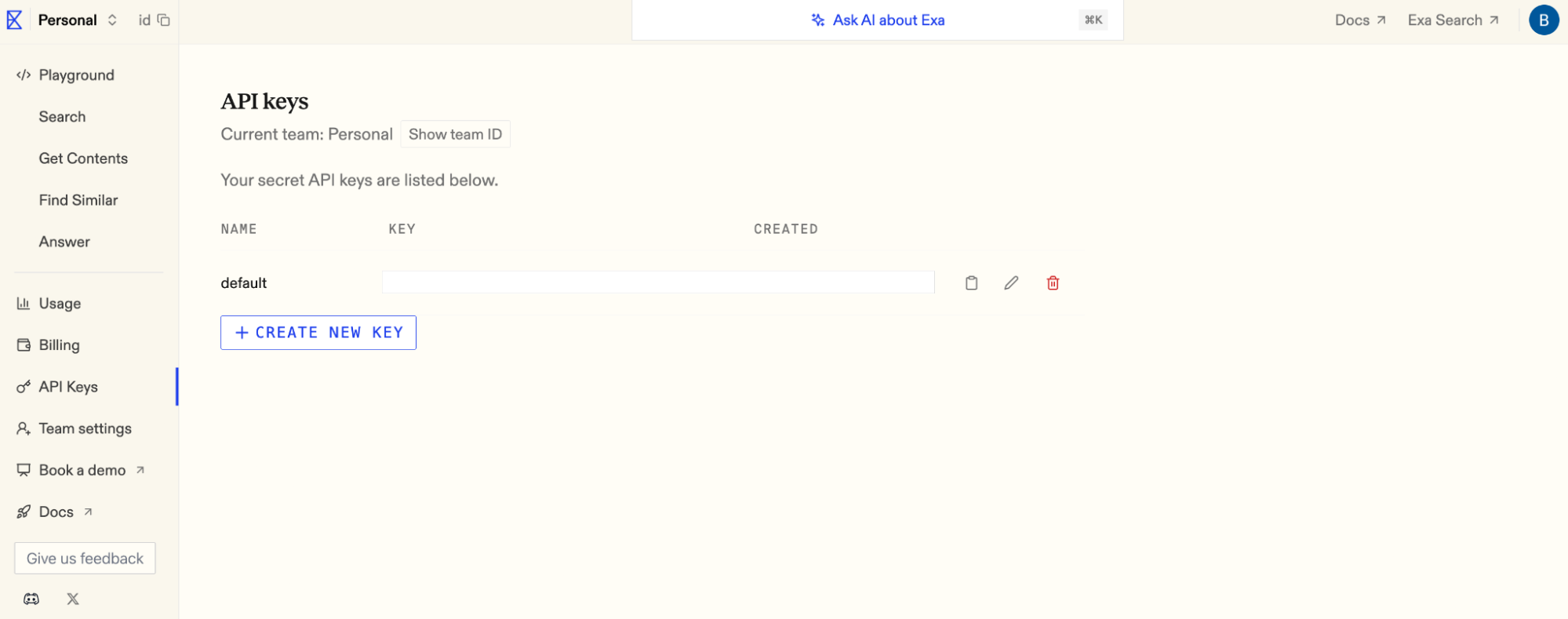
Access API Tokens
- Go to “API Tokens” in settings
- Locate your default API key
2
Copy Token
- Click “Copy” next to your API token
- Store it securely
Add to Anything project
1
Add the Integration
- In your Anything project, type
/in chat - Select “Exa” from the menu
2
Add Your API Token
- Paste your Exa token into “EXA_API_KEY” secret
3
Start Searching
Use prompts with the integration to search the web:
Find recent AI research papers about /ExaGet summarized content from wikipedia about /ExaSearch for trending React components with /Exa