
Overview
Create Account
Sign up for a GIPHY Developer account
Get API Key
Generate your GIPHY API key
Copy into Anything
Add your API key to Anything’s secrets
Account Creation
1
Visit GIPHY Developers
Go to developers.giphy.com and click “Create an Account”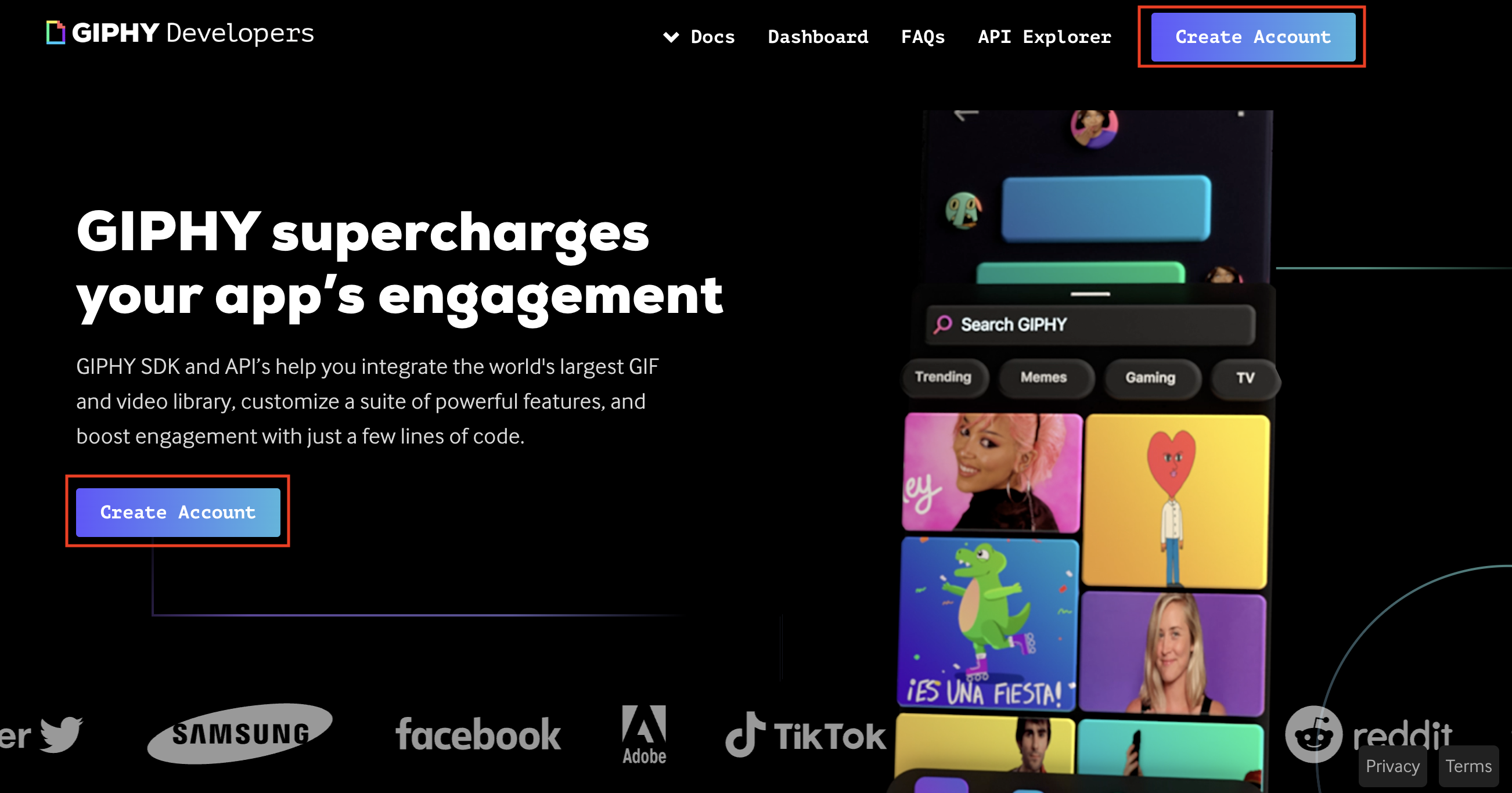
2
Create Developer Account
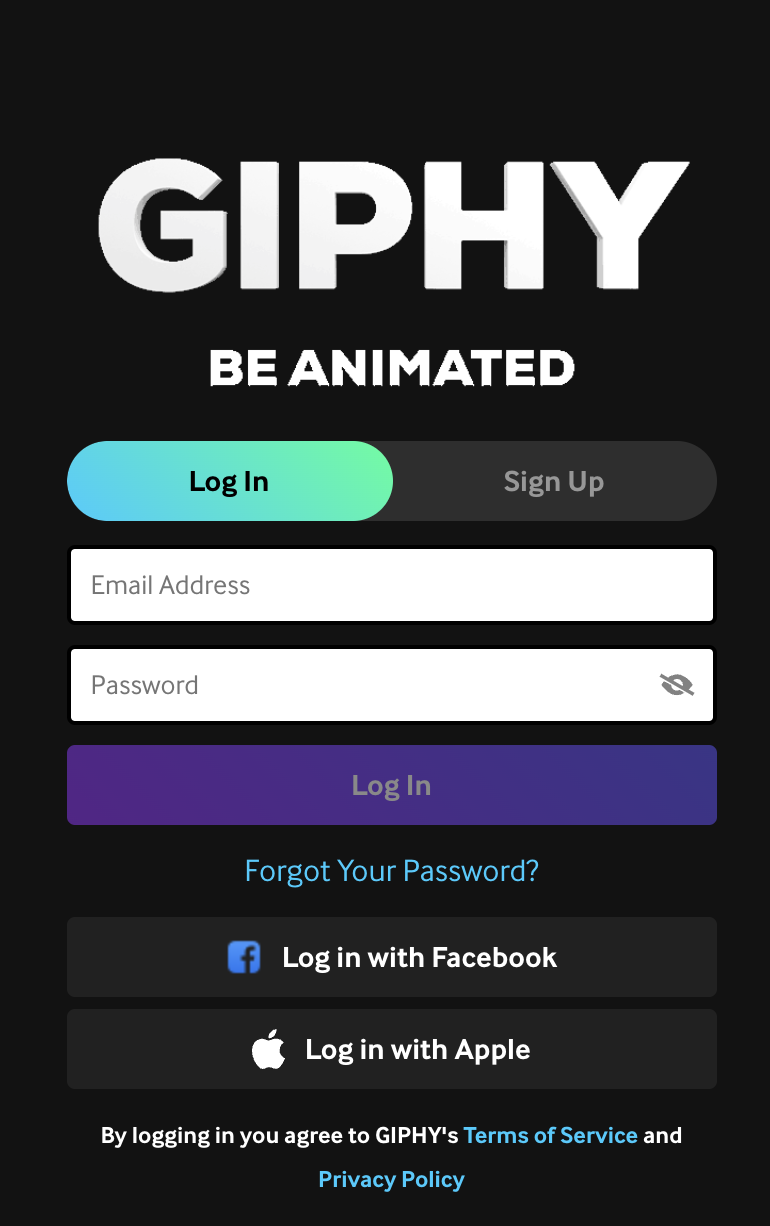
- Sign up with email/password
- Or continue with existing GIPHY account
Generate API Key
1
Create an App
- Go to your GIPHY Developer dashboard
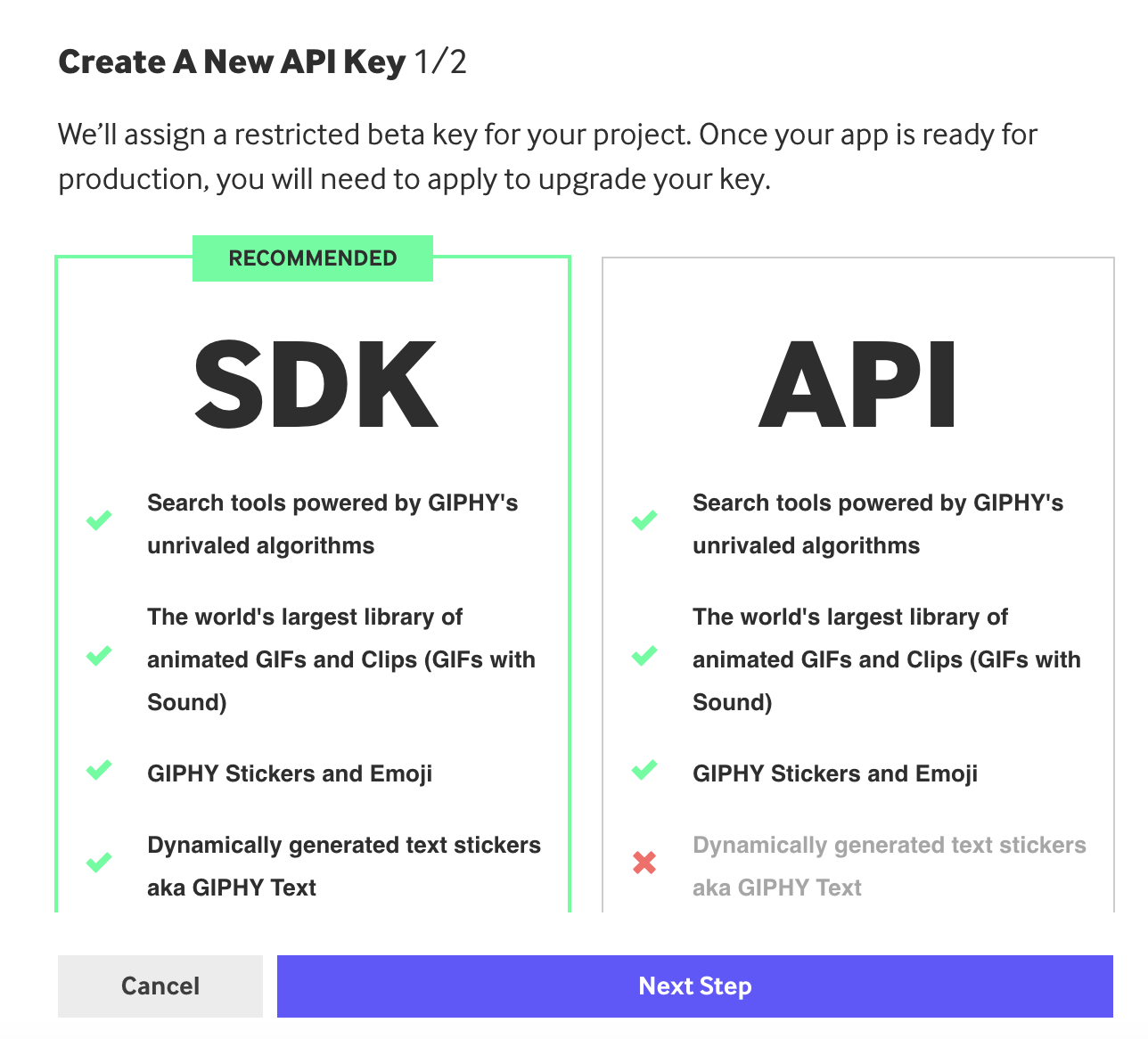
- Click “Create an API Key”
- Select “API” access type
2
Get API Key
- Name your app (e.g., “Anything Integration”)
- Add a brief description
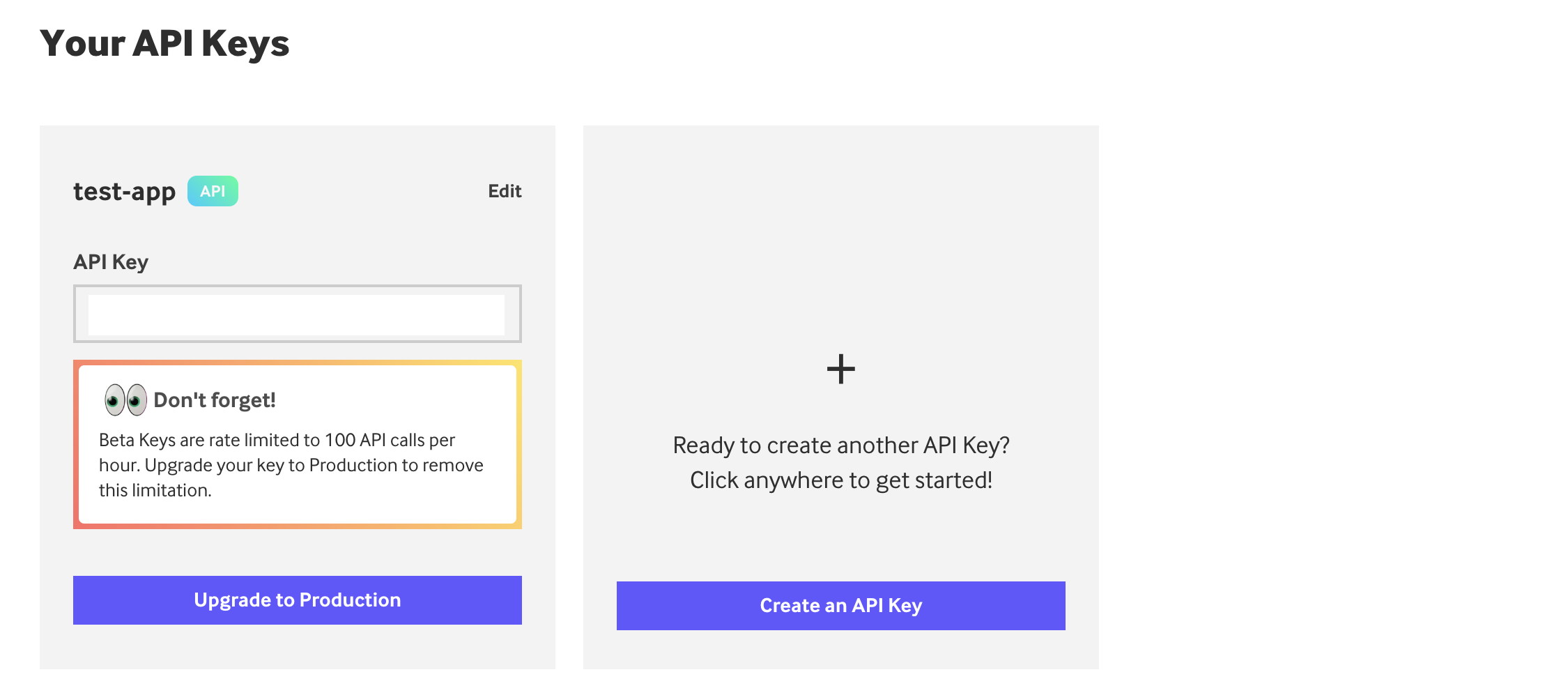
- Copy your API key
Add to Anything project
1
Add the integration
- In your Anything project, type
/in the chat - Select “GIPHY” from the menu
2
Add your API key
- Paste your API key into the “GIPHY_API_KEY” field
3
Start searching
You can now use prompts with the integration to access GIFs.Example prompts:
Find reaction GIFs using /GIPHYAdd animated stickers with /GIPHYCreate a GIF picker using /GIPHY