
Overview
Create Account
Sign up for a HackerEarth account
Get API Key
Generate your HackerEarth API key
Copy into Anything
Add your API key to Anything’s secrets
Account Creation
1
Visit HackerEarth Website
Go to https://www.hackerearth.com/for-developers/ and click “Get Started”
2
Register for an Account
- Fill in your details
- Choose account type (Business/Developer)
- Complete verification process
Generate API Key
1
Access Developer Dashboard
- Log in to your HackerEarth account
- Navigate to the API section
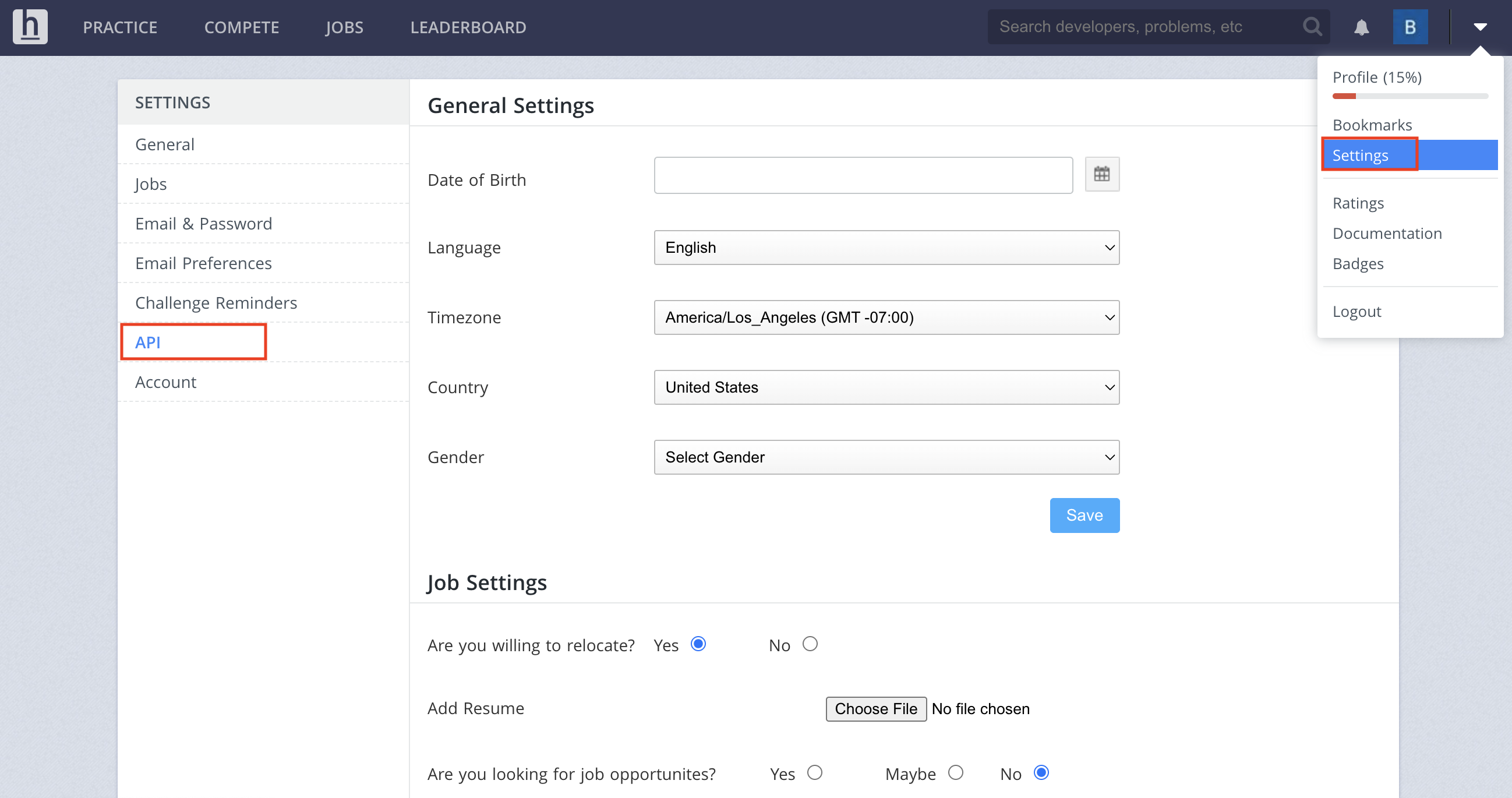
2
Create API Key
- Click “Generate New Key”
- Select the required permissions
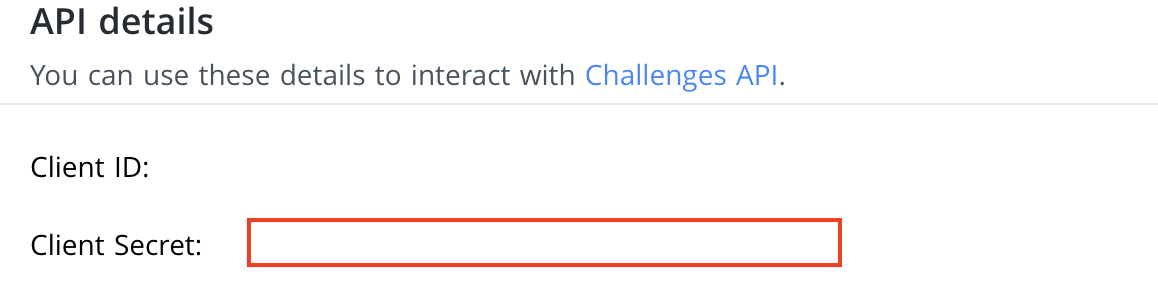
3
Copy Your API Key
- Copy the generated API key
Add to Anything project
1
Add the integration
- In your Anything project, type
/in the chat - Select “HackerEarth” from the menu
2
Add your API key
- Paste your API key into the “HACKEREARTH_API_KEY” field
3
Use it
You can now use prompts with the integration to manage coding assessments.Some examples:
Set up a coding challenge using /HackerEarthEvaluate code submissions with /HackerEarthBuild an assessment platform using /HackerEarth