
Overview
Create Account
Sign up for a News API account
Get API Key
Generate your News API key
Copy into Anything
Add your API key to Anything’s secrets
Account Creation
1
Visit News API Website
Go to newsapi.org and click “Get API Key” in the top right corner
2
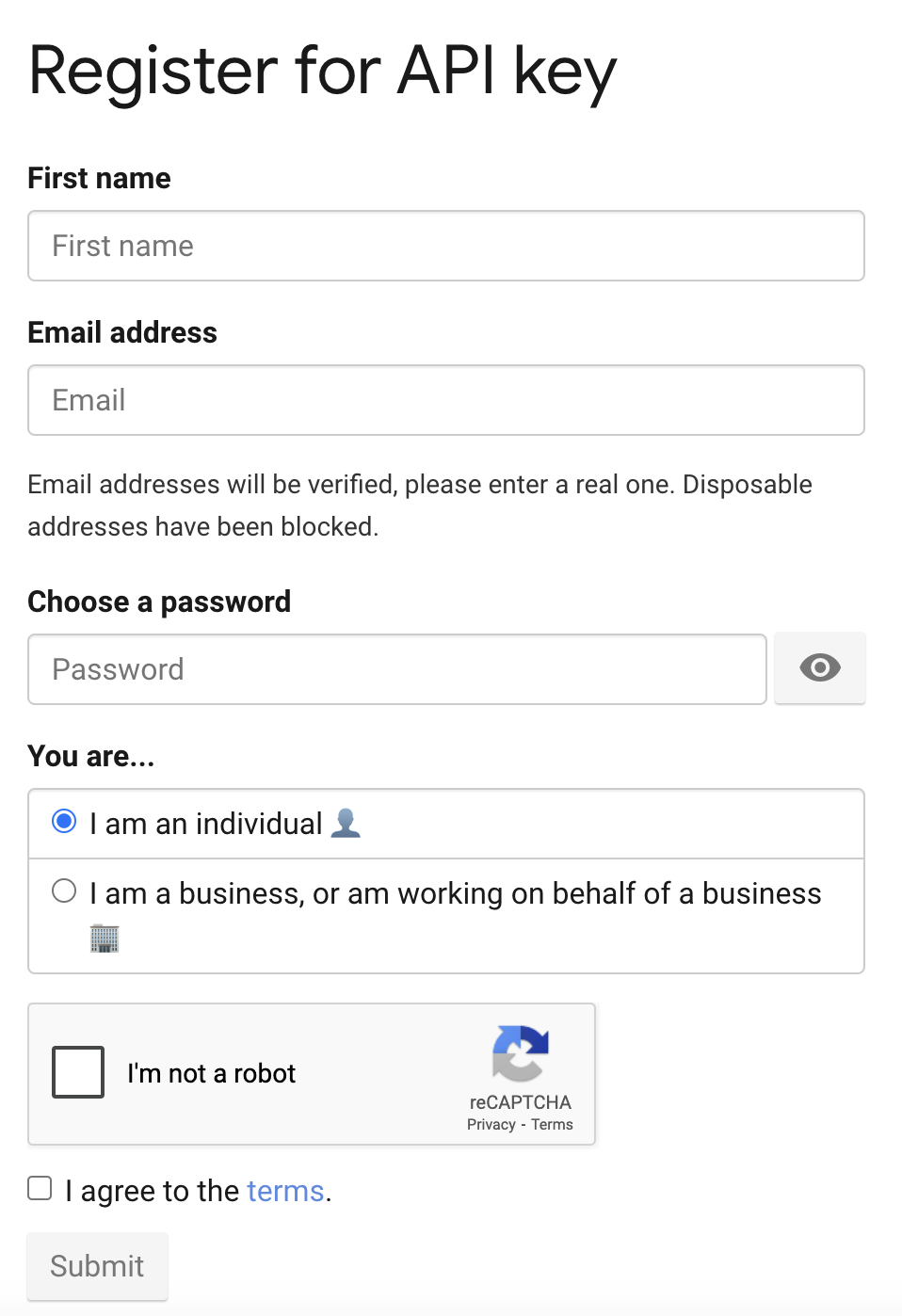
Register for an Account
- Fill in your name, email, and password
- Select your usage purpose (personal/academic/business)
- Accept the terms and conditions
Generate API Key
1
Access Your Account
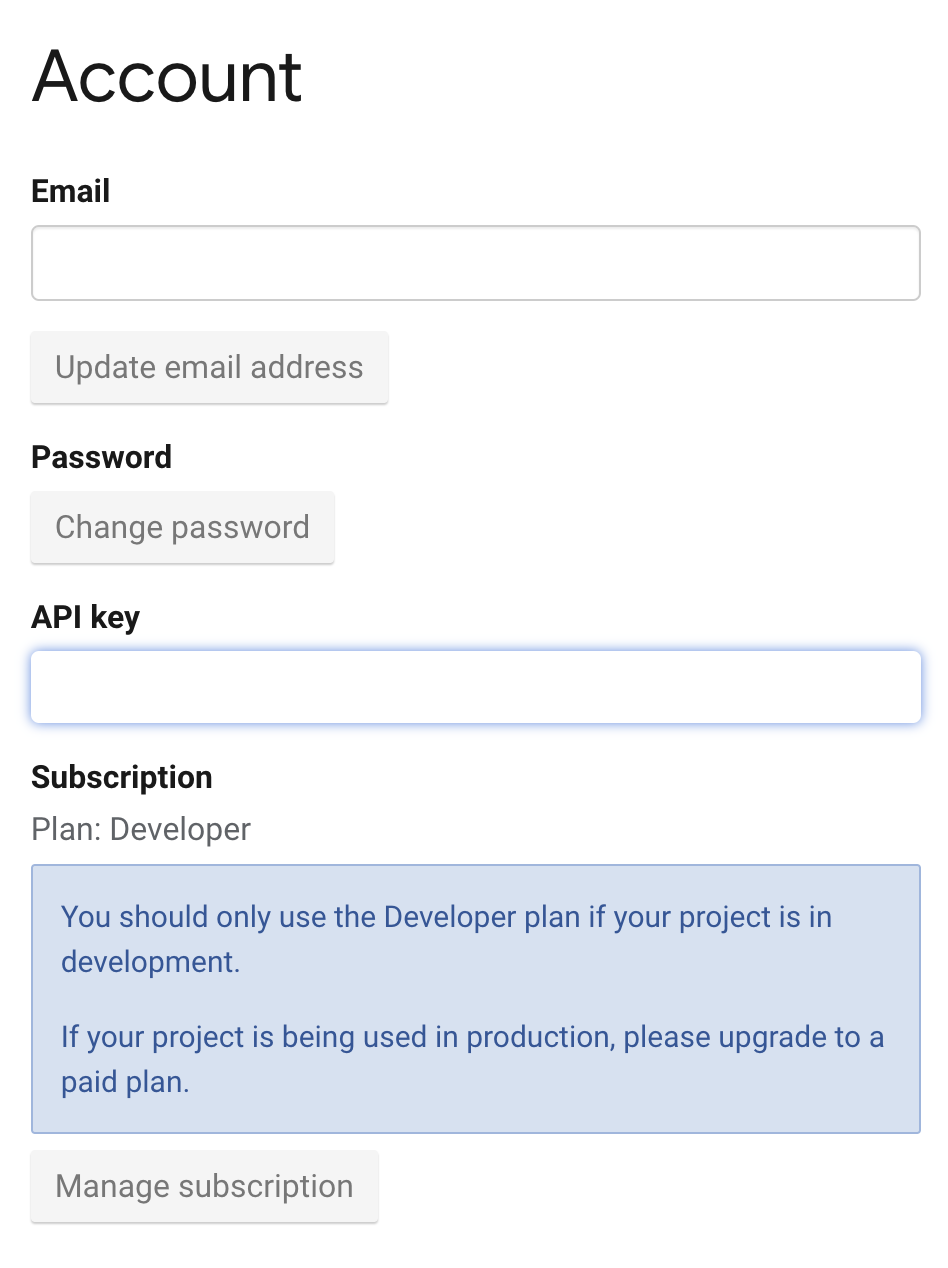
- After registration, you’ll be redirected to your account page
- Your API key will be displayed on the dashboard
2
Copy Your API Key
- Copy the API key from your dashboard
- Keep this key secure for use in your applications
Add to Anything project
1
Add the integration
- In your Anything project, type
/in the chat - Select “News API” from the menu
2
Add your API key
- Paste your News API key into the “NEWS_API_KEY” field
3
Use it
You can now use prompts with the integration to access news articles and headlines.Some examples:
Get the latest technology news with /NewsAPIFind articles about climate change using /NewsAPICreate a news aggregator app with /NewsAPI