
Overview
Create Account
Sign up for an OpenLibrary account
Copy into Anything
Add your API key to Anything’s secrets
Account Creation
1
Visit OpenLibrary Website
Go to openlibrary.org and click “Sign Up” in the top right corner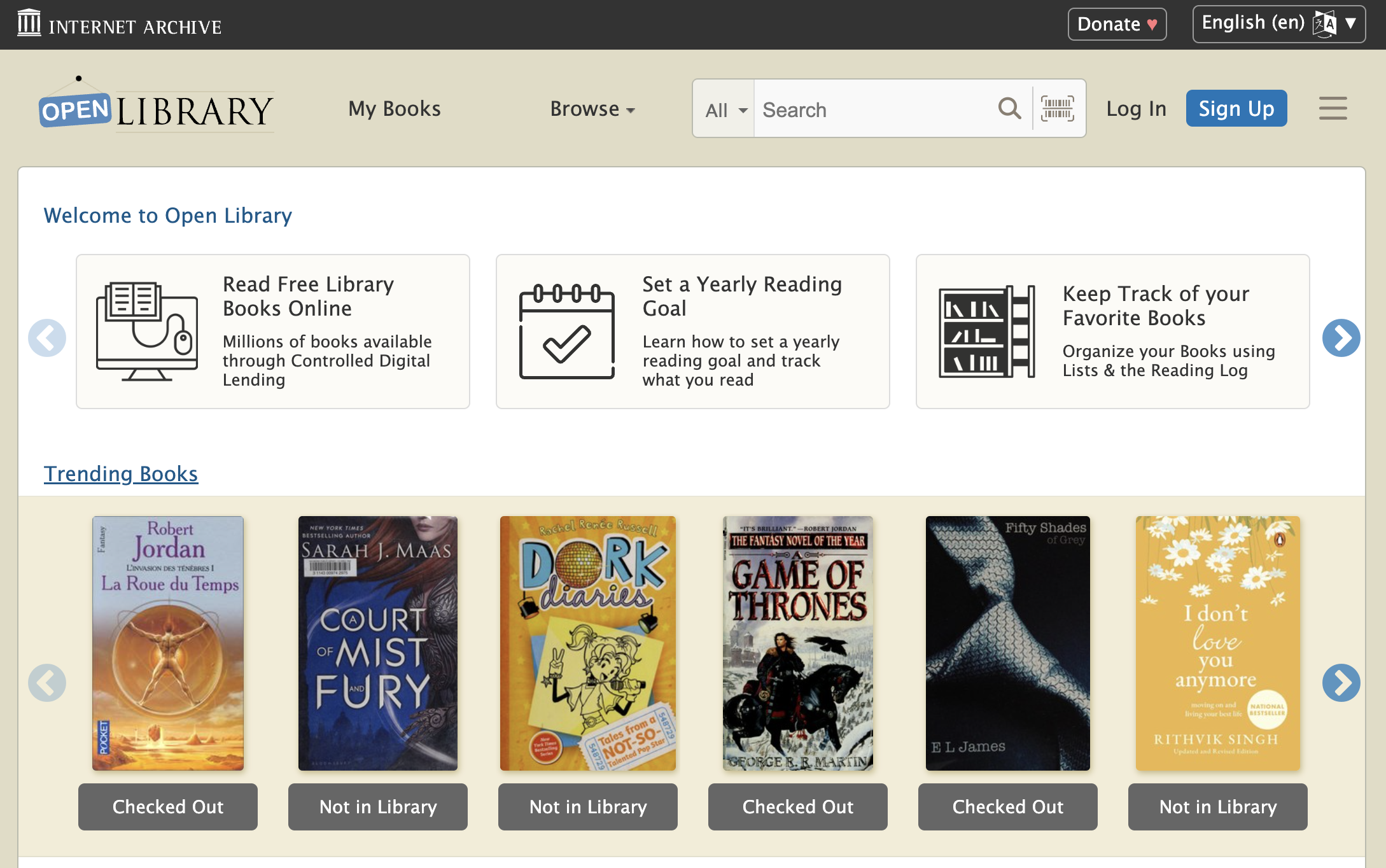
2
Choose Signup Method
- Sign up with email/password
Add to Anything project
1
Add the integration
- In your Anything project, type
/in the chat - Select “OpenLibrary” from the menu
2
Start using
You can now use prompts with the integration to access book data.Example prompts:
Search for books about AI with /OpenLibraryGet details about this book using /OpenLibraryCreate a reading list app with /OpenLibrary