
Overview
Create Account
Sign up for a Google Cloud account
Get API Key
Generate your Tenor API key
Copy into Anything
Add your API key to Anything’s secrets
Account Creation
1
Visit Tenor Developer Portal
Go to https://tenor.com/gifapi and click “Documentation”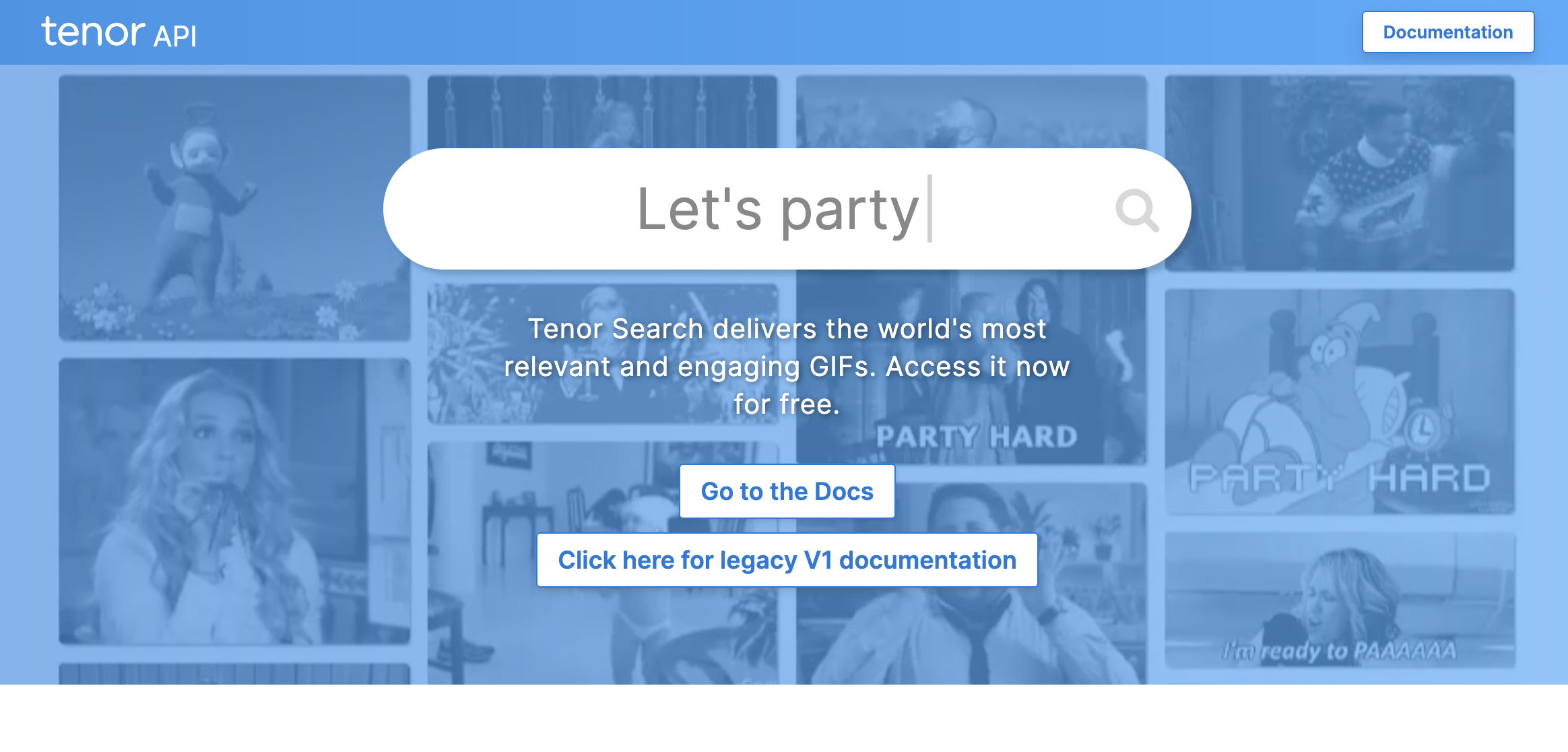
2
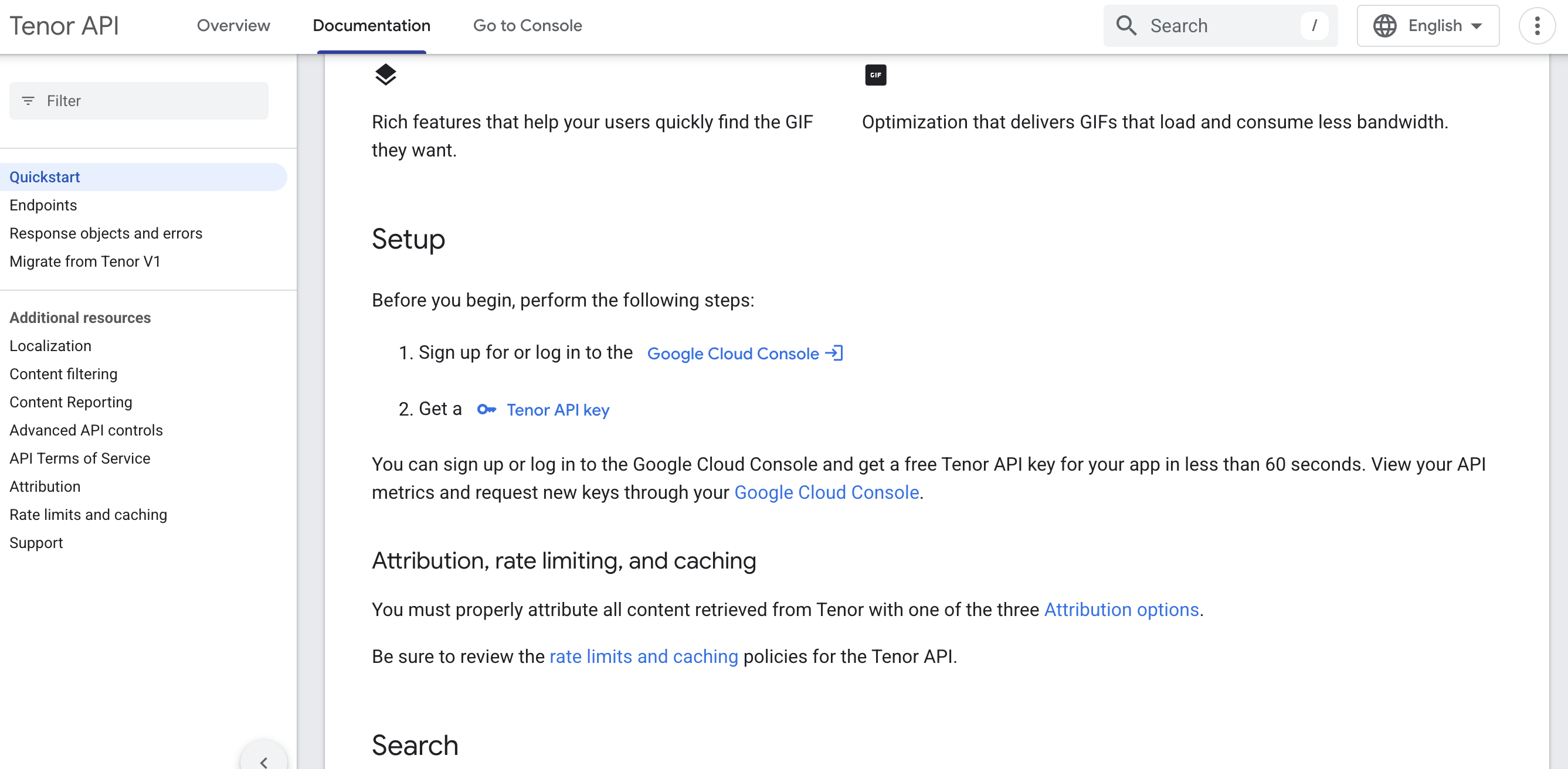
Login with Google Cloud
- Scroll down to the Setup section
- Click “Sign In with Google Cloud”
Generate API Key
1
Enable Tenor API
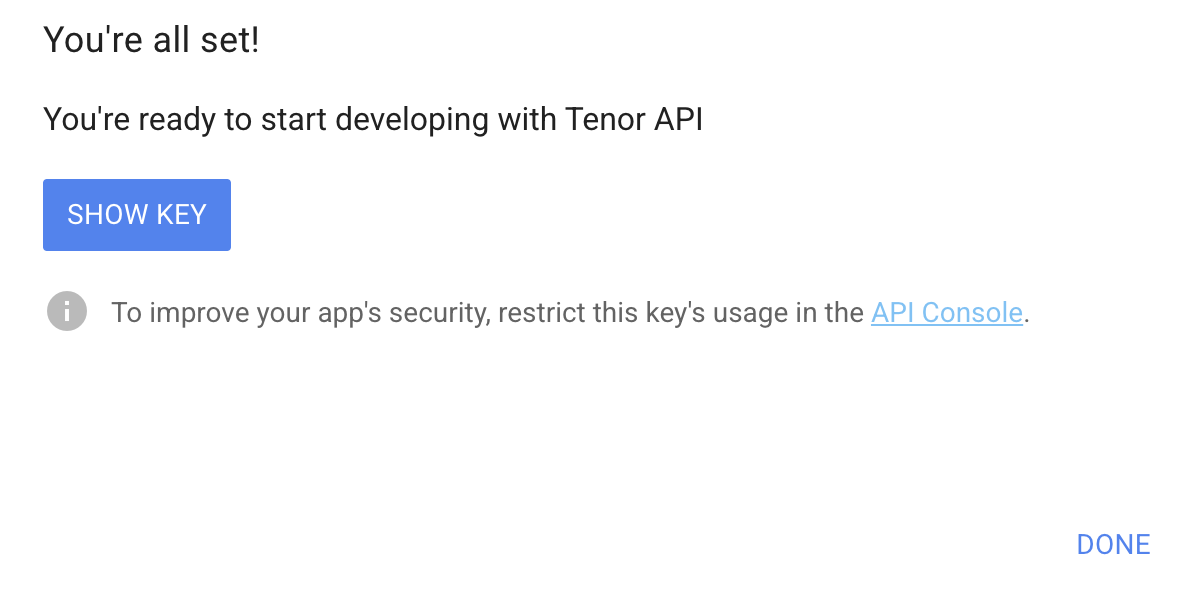
- Click “Get a Tenor API Key”
- Create a project or select an existing one
- Copy your API key
Add to Anything project
1
Add the integration
- In your Anything project, type
/in the chat - Select “Tenor” from the menu
2
Add your API key
- Paste your API key into the “TENOR_API_KEY” field
3
Start searching
You can now use prompts with the integration to access GIFs.Example prompts:
Find reaction GIFs using /TenorAdd animated stickers with /TenorBuild a GIF picker using /Tenor