
Overview
Create Account
Sign up for a Yelp Developer account
Get API Key
Generate your Yelp API key
Copy into Anything
Add your API key to Anything’s secrets
Account Creation
1
Visit Yelp Developers
Go to yelp.com/developers and click “Log In”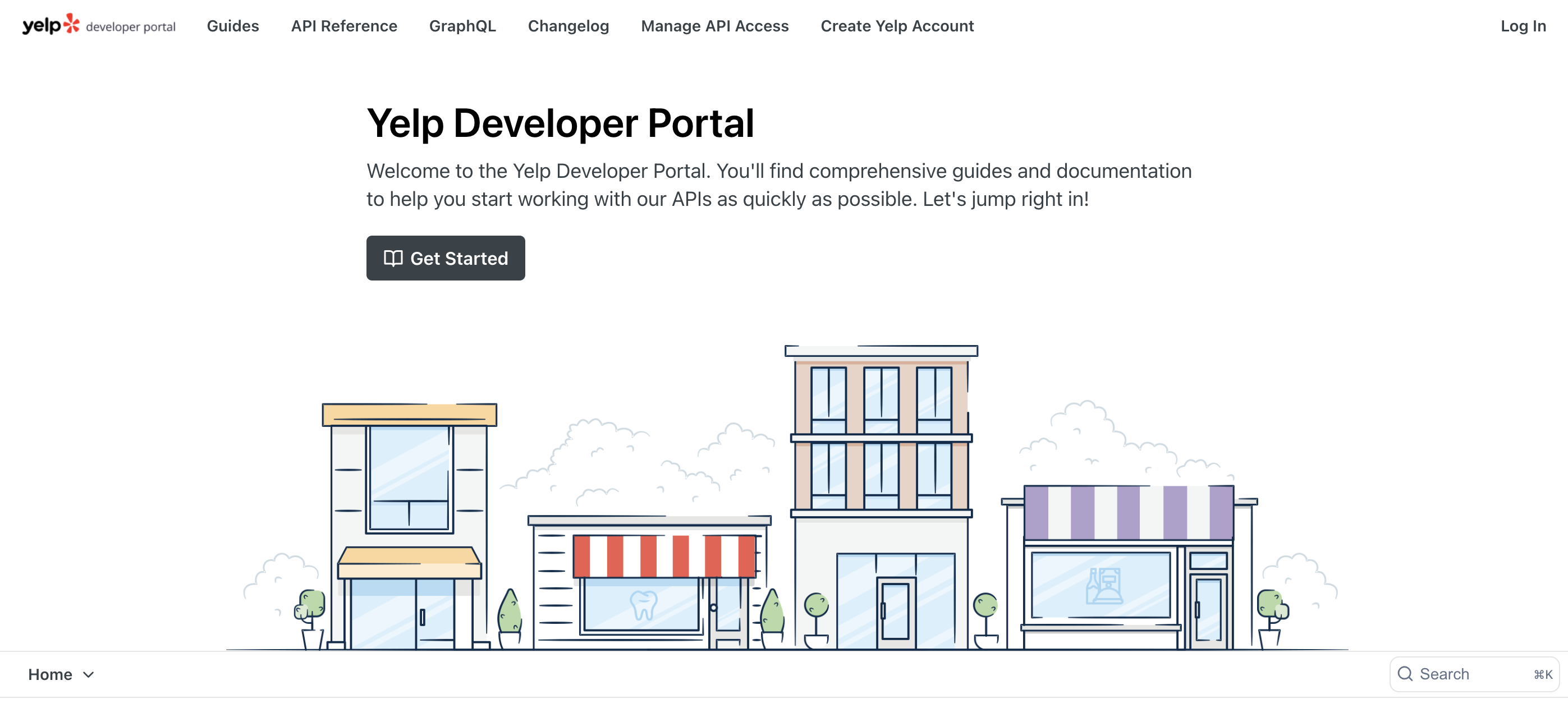
2
Create Developer Account
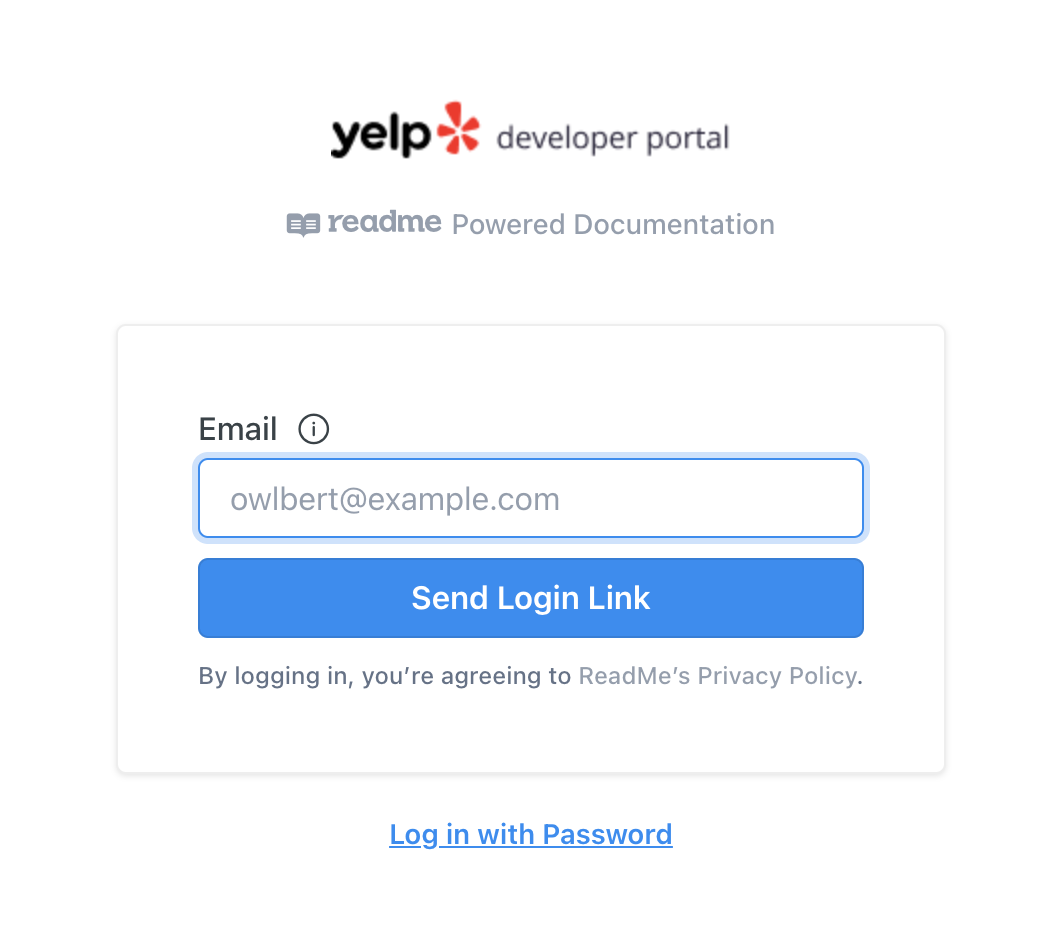
- Sign up using the link sent to your email
Generate API Key
1
Create New App
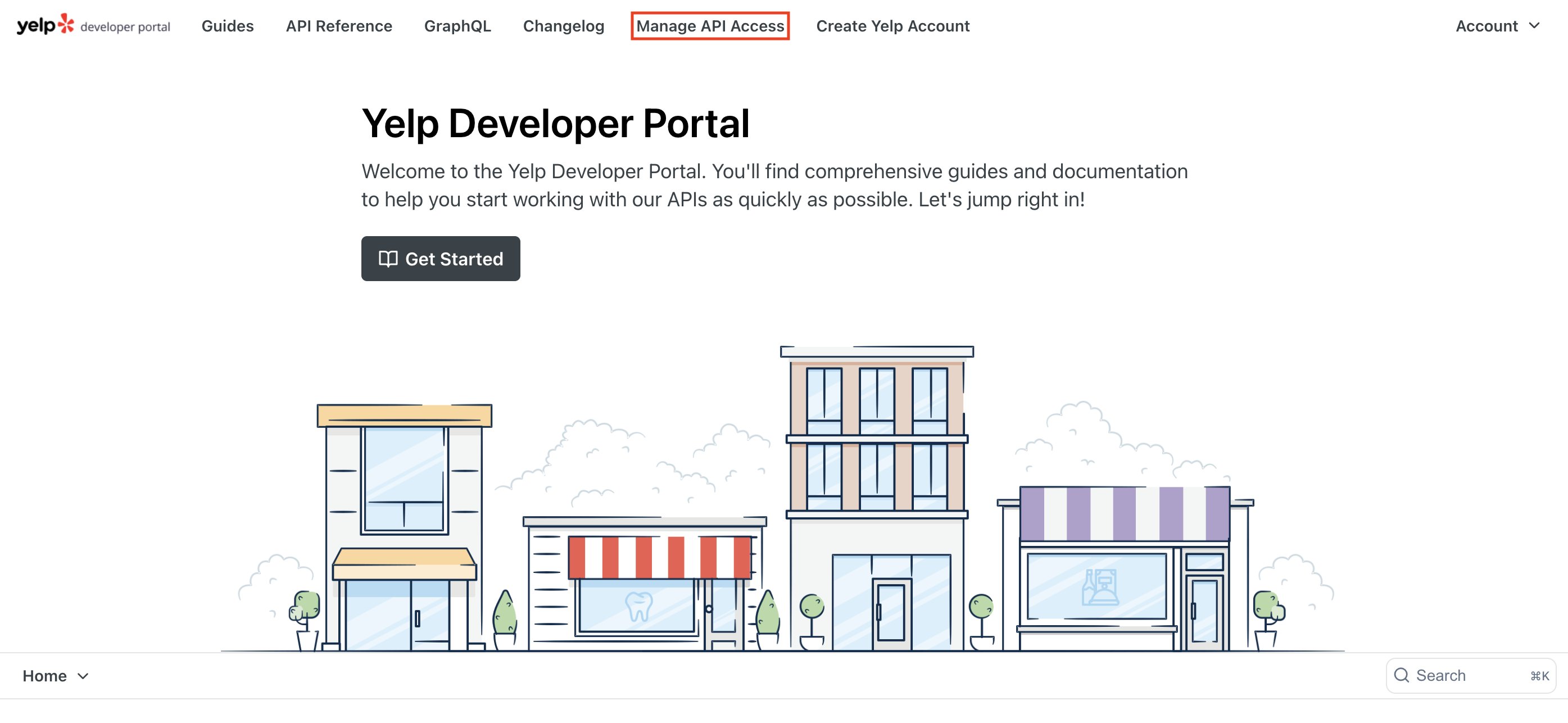
- Go to the Yelp Fusion dashboard
- Click “Create New App”
- Fill in your app details
2
Copy Your Key
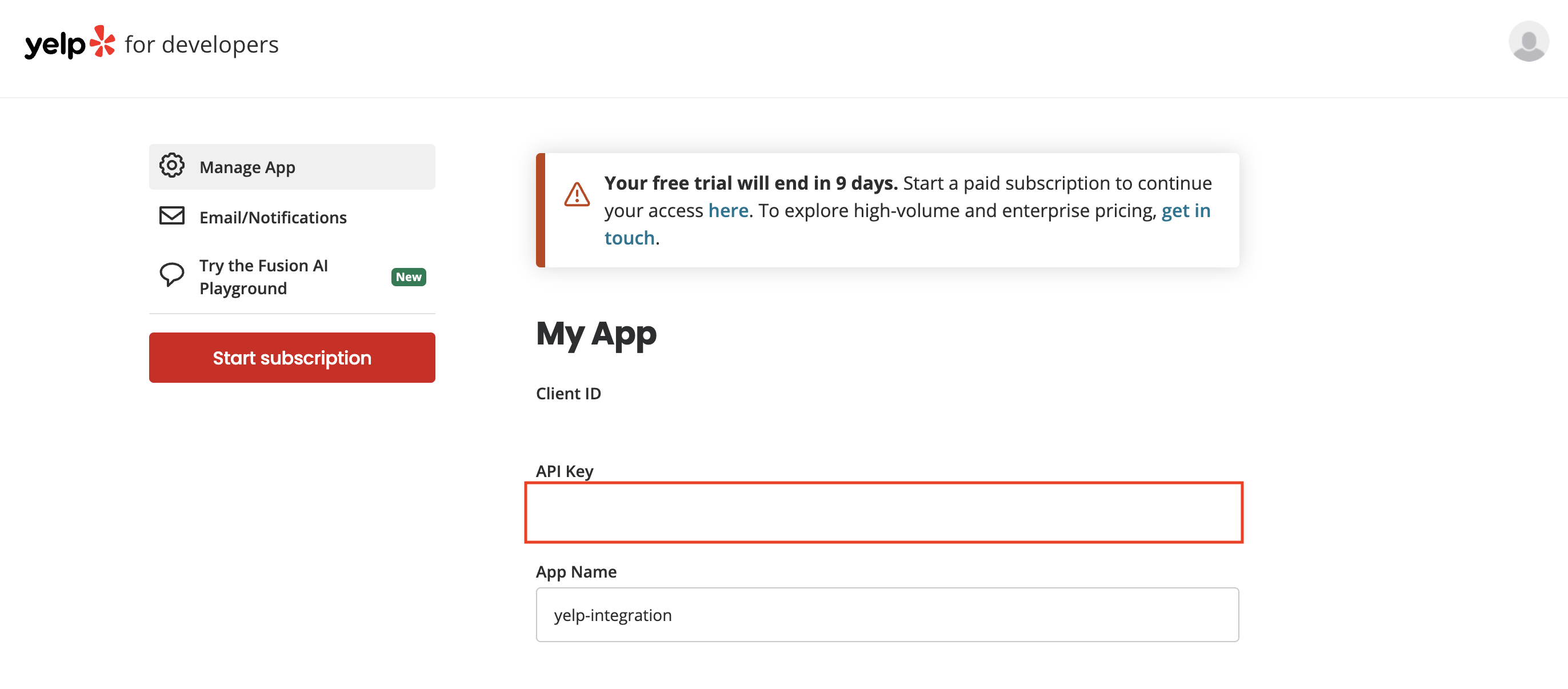
- Copy the generated API key
- Store it securely
Add to Anything project
1
Add the integration
- In your Anything project, type
/in the chat - Select “Yelp” from the menu
2
Add your API key
- Paste your API key into the “YELP_API_KEY” field
3
Start searching
You can now use prompts with the integration to access business data.Example prompts:
Find restaurants near me using /YelpGet business reviews with /YelpCreate a local business directory with /Yelp